What can UWB Radar detect?
UWB Radar can detect presence, motion, people, vehicles, robots, animals, and moving machine parts. It observes how objects change reflected radio signals, so sensing does not require a person to carry a phone or wearable.
 contact us
Detect presence, movement and gestures without phones, wearables or cameras

 iOS 27
 GitHub


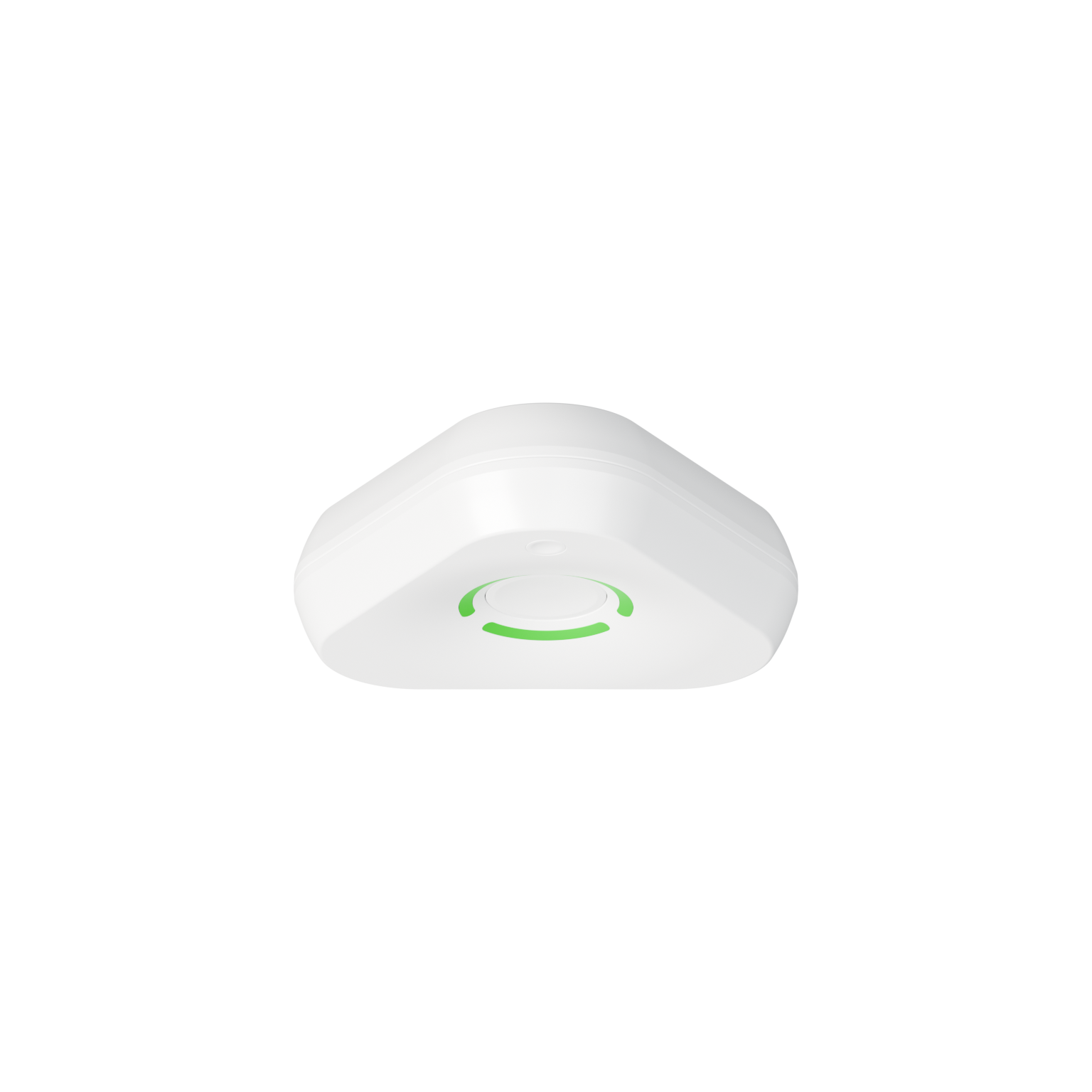

UWB RADAR
UWB Radar devices installed in a space periodically send short radio signals. These signals bounce off nearby objects and return to the radar, where they are analysed.
Reflections from stationary objects differ from those produced by people or things that are moving or interacting with the space.
With signal processing and machine learning, radar can detect room occupancy, estimate the number of people, their location or recognise different gestures.
Because radar does not capture visual detail, it offers a privacy-friendly way to bring sensing and location intelligence to a physical space.



MOVEMENT AND POSITION SENSING
On the left, you can see real radar frames recorded alongside the person’s estimated position. The waterfall shows changes in the signal, while the room view traces the person’s movement over the past few seconds. Notice how the reflections are stronger and arrive sooner when the person is closer to the radar. The most recent radar frames appear at the top of the waterfall.
A single radar is mounted on the ceiling, approximately 3 m above the floor, in the center of a 5 m × 4.3 m room. The person walks naturally without a tag or phone. Their position is estimated entirely from radar reflections. The desk and chair are drawn to scale.
This footage shows an impressive level of movement and location detail from just one UWB radar sensor.
UWB RADAR SENSING
UWB radar can detect room occupancy, track movement and recognise gestures. Use it to automate lighting, monitor activity around machines or create touchless controls.
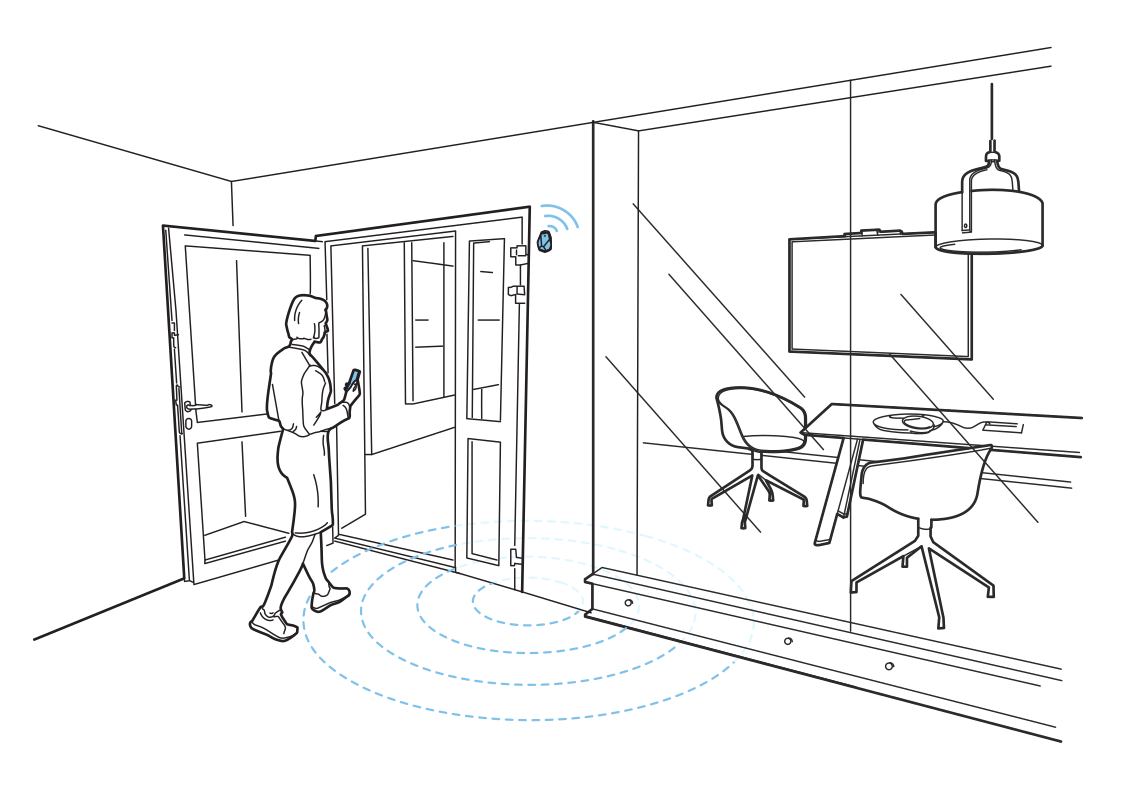 Find a free meeting roomRead more
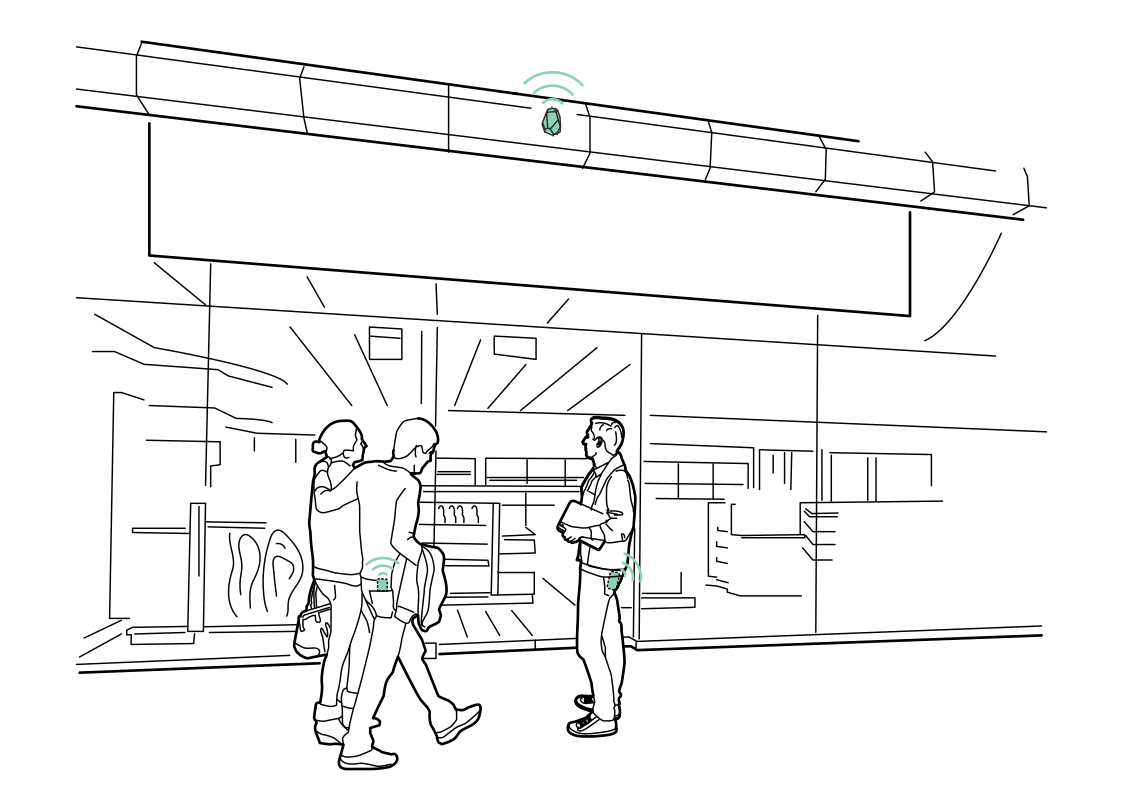 Understand the store entranceRead more
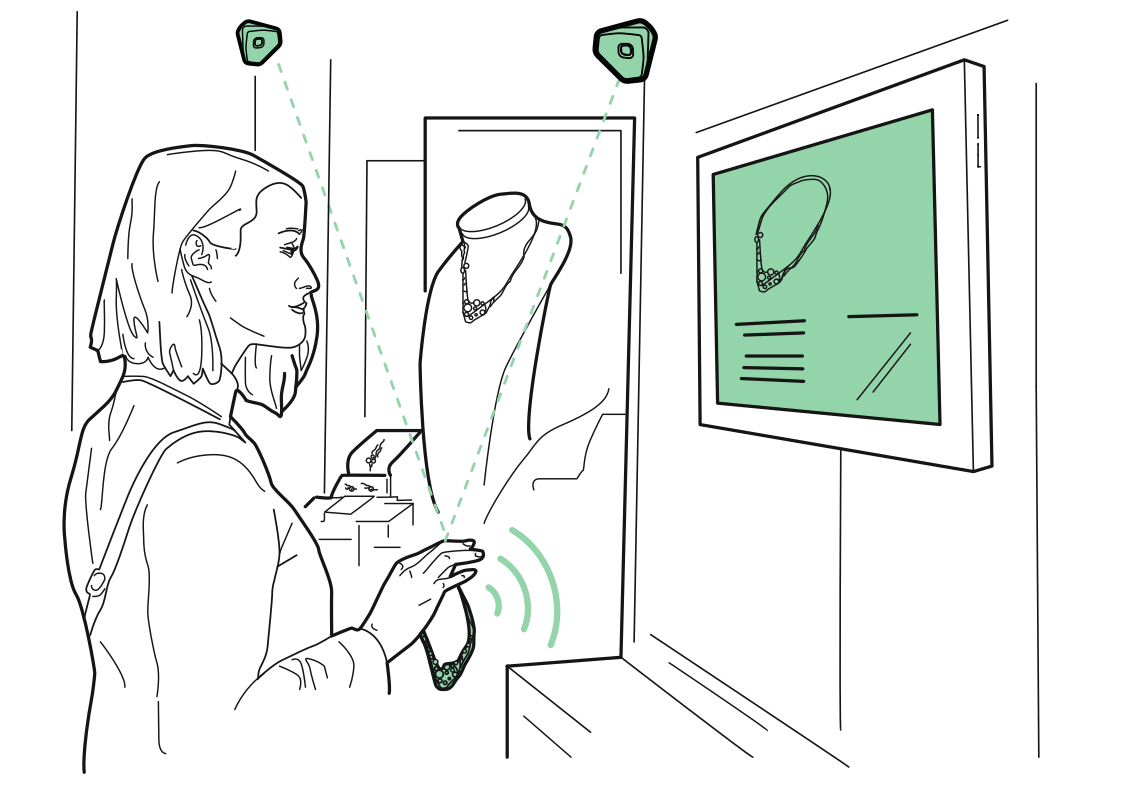 Let a display respondRead more
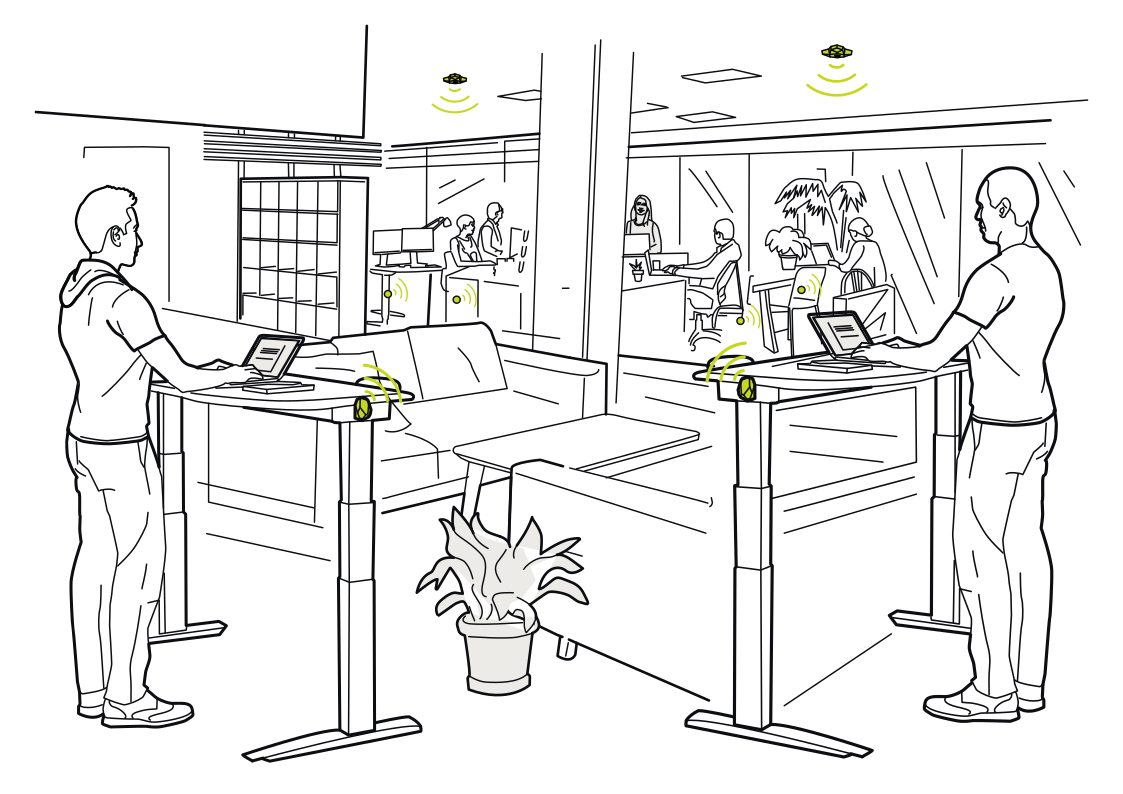 A workspace that adaptsRead more
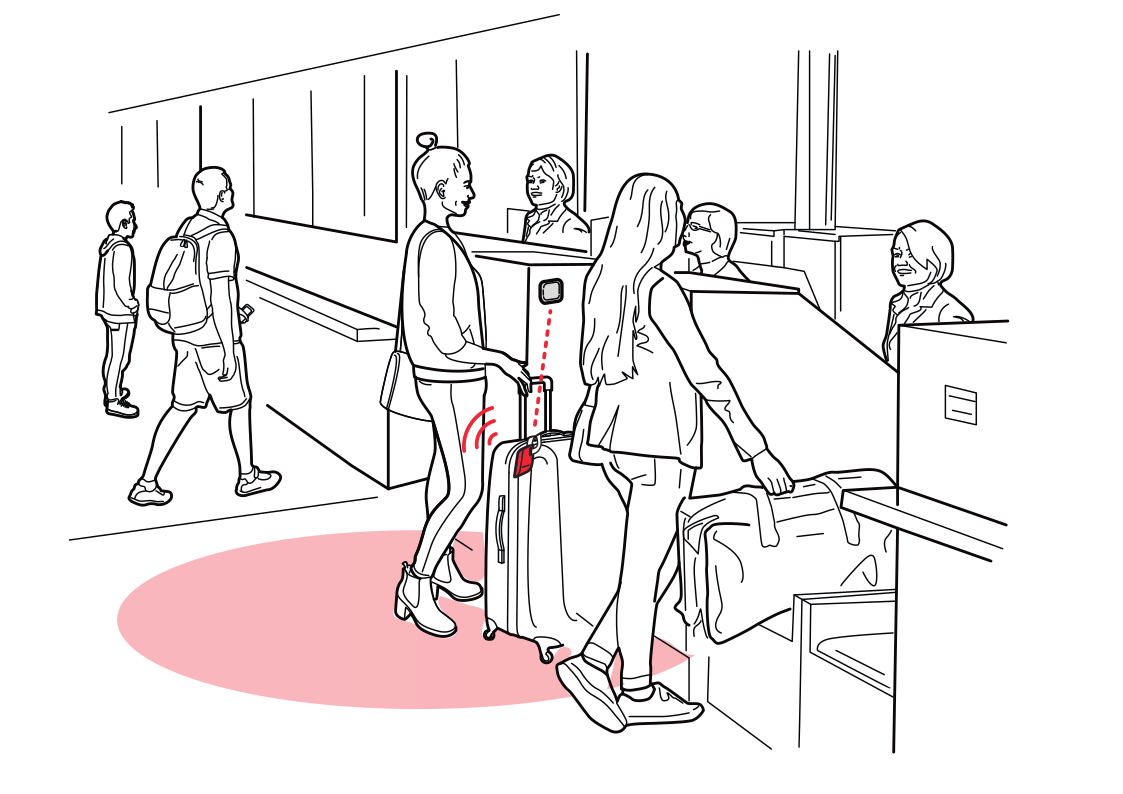 Keep check-in lines movingRead more
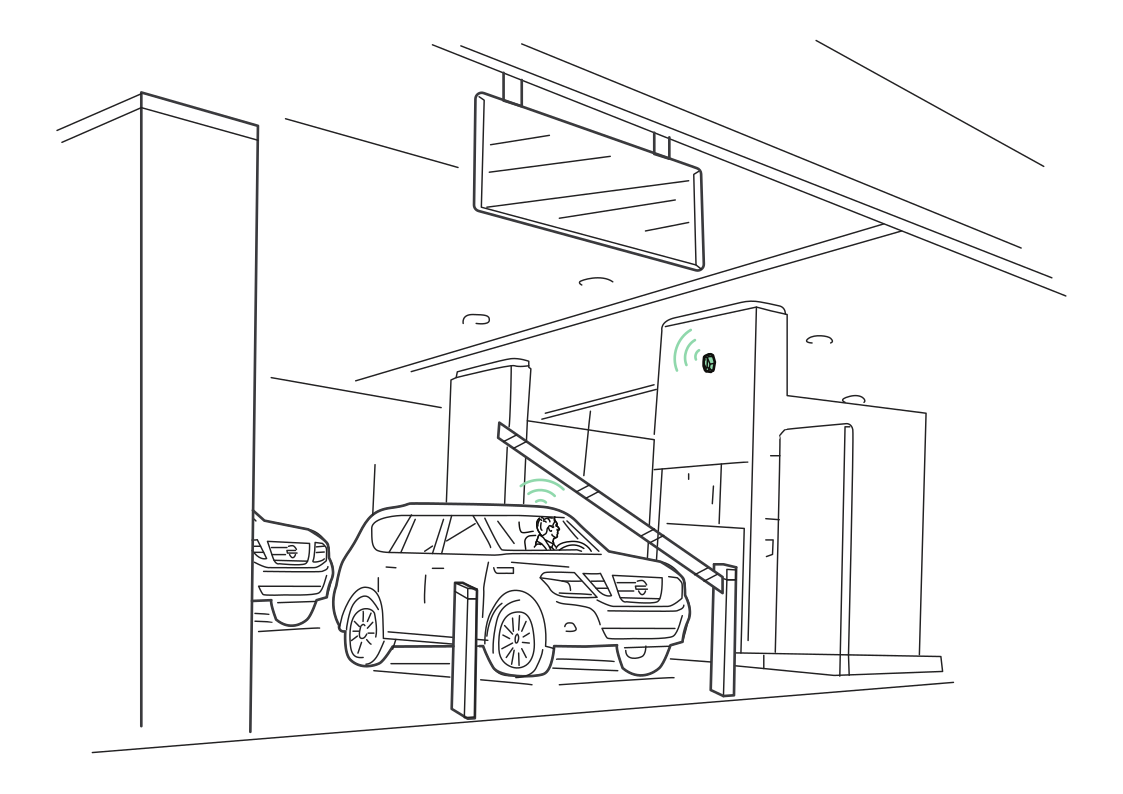 A smoother parking entranceRead more
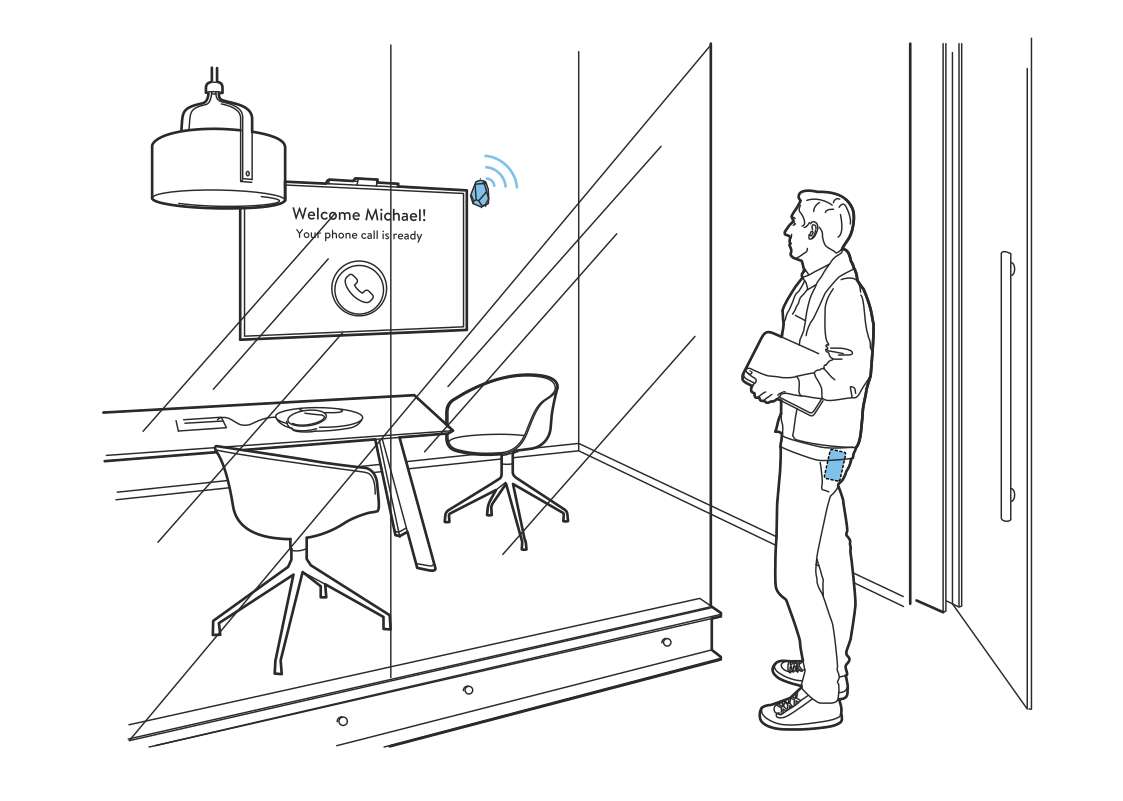 A room ready for youRead more
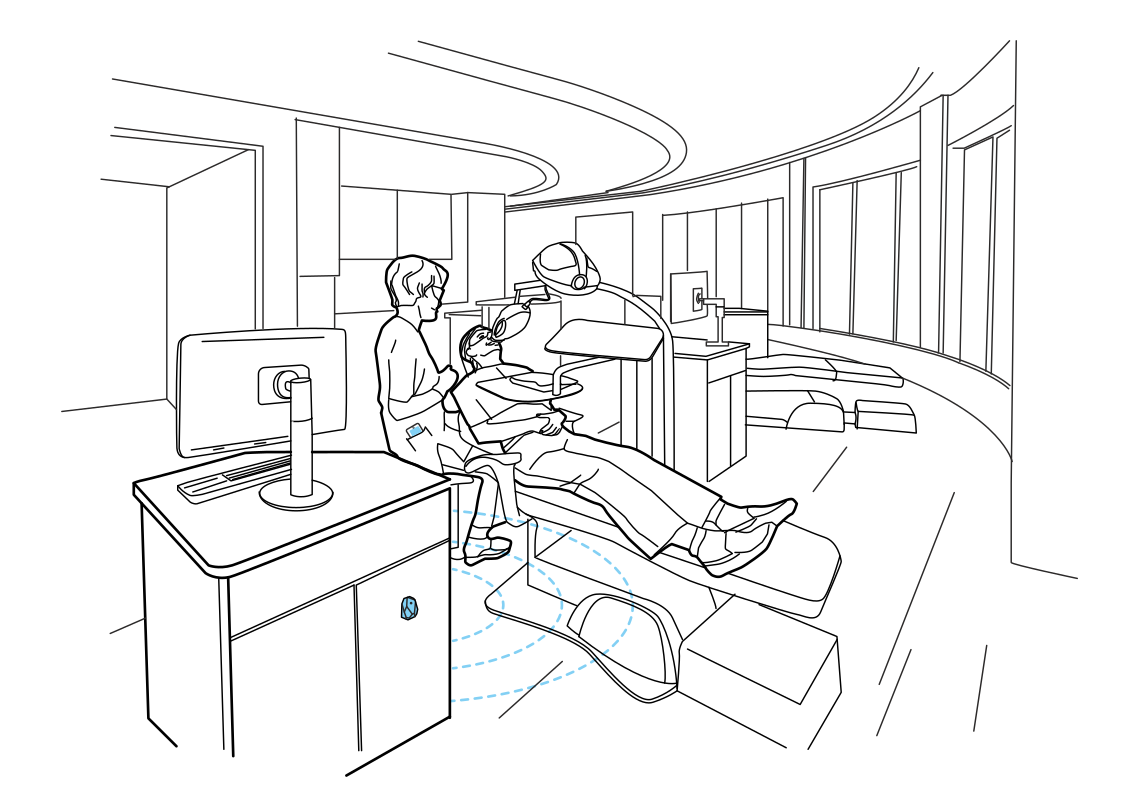 Coordinate the treatment roomRead more
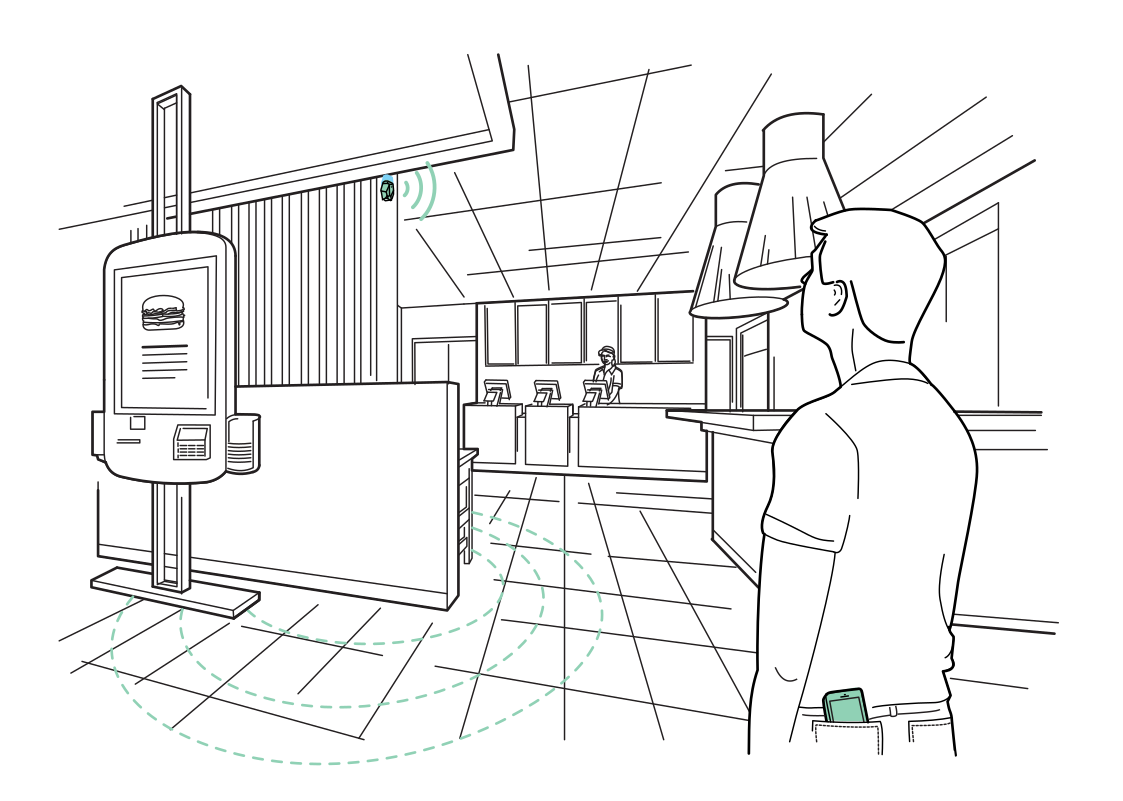 Find the next available kioskRead more
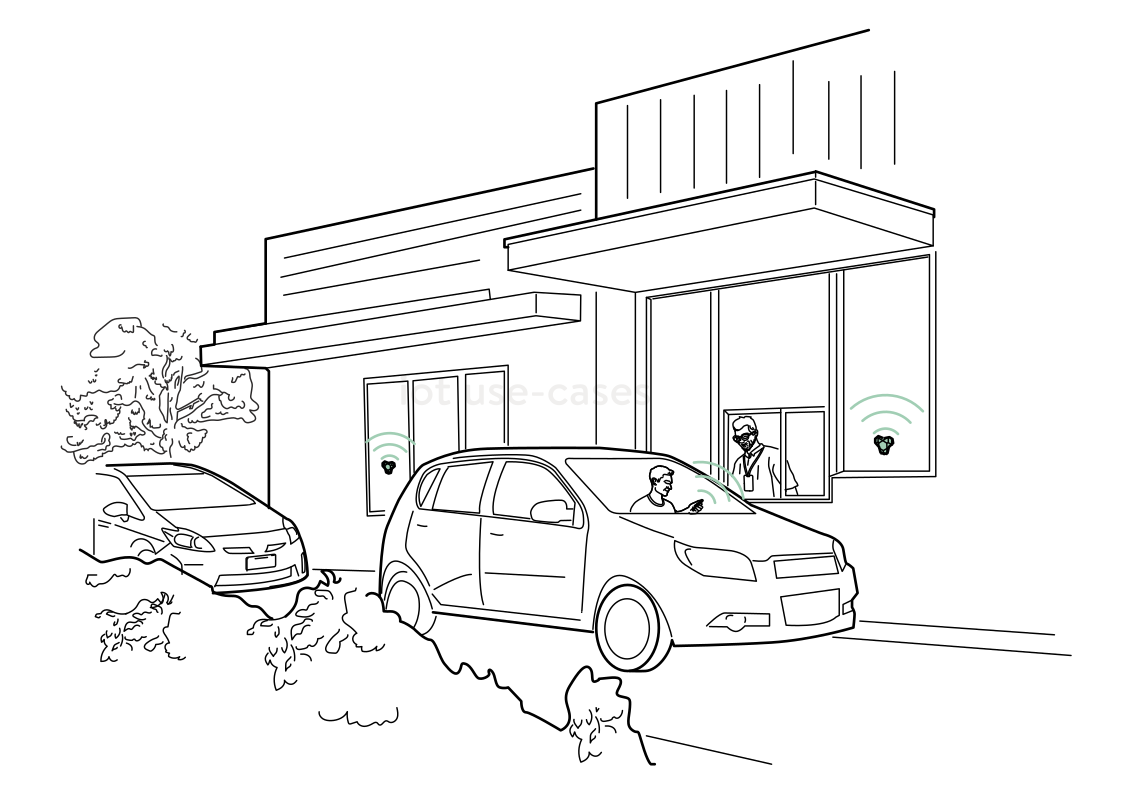 A more responsive drive-thruRead more
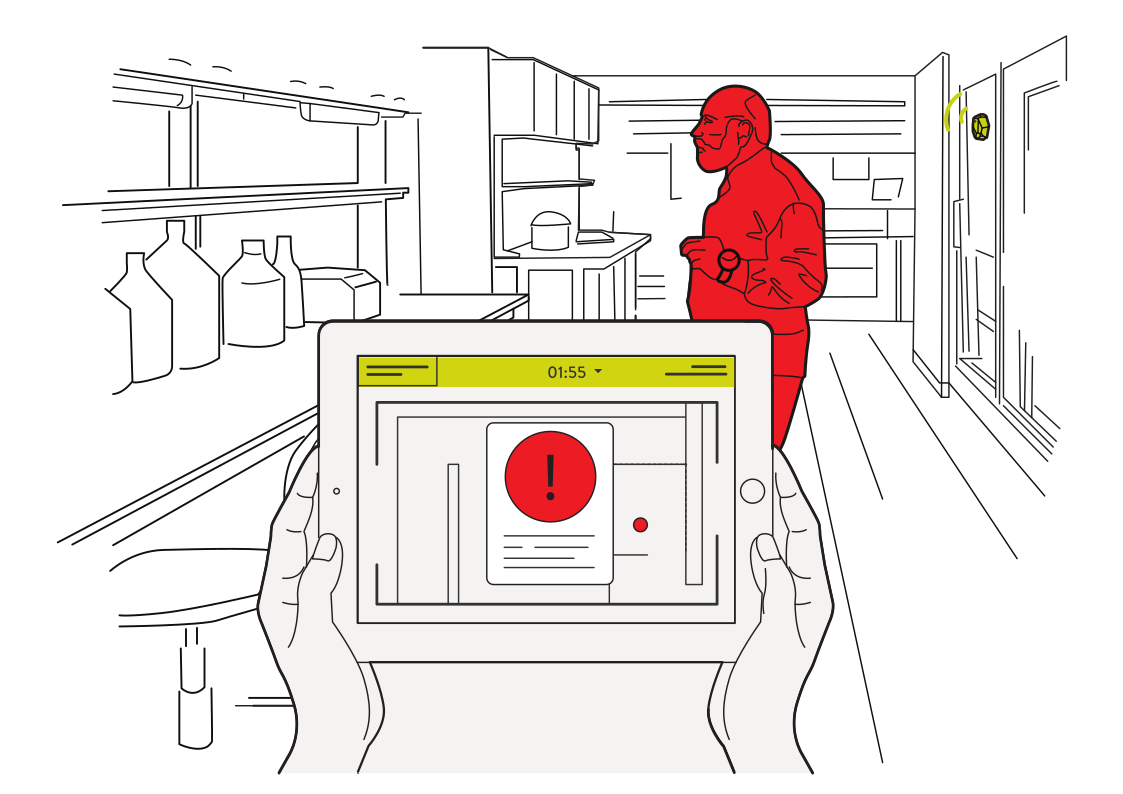 Notice activity in restricted roomsRead more
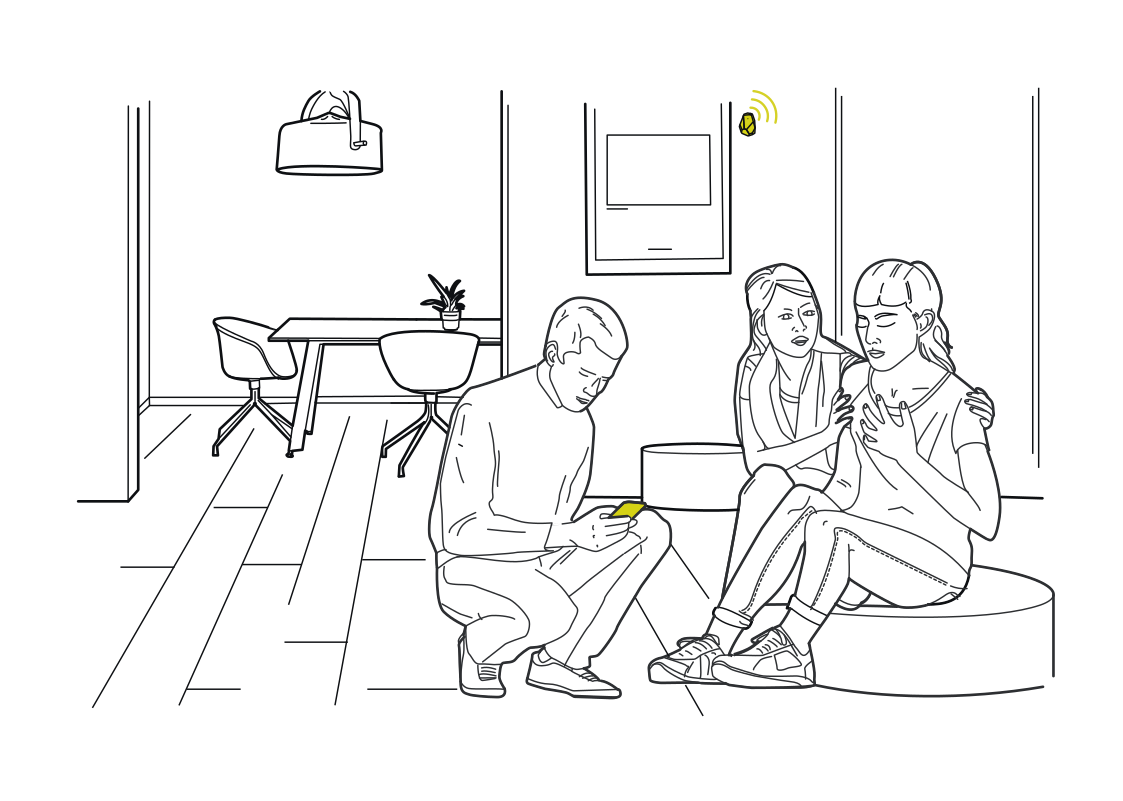 A living room that respondsRead more
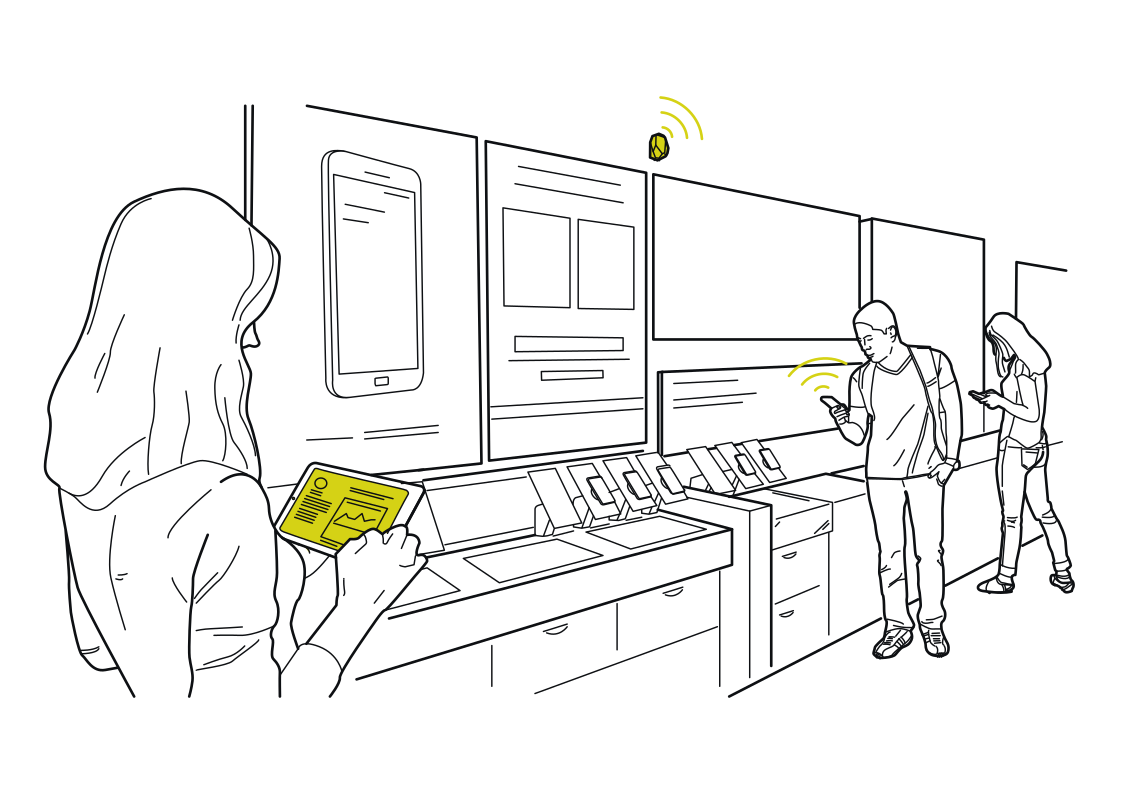 Learn what draws attentionRead more
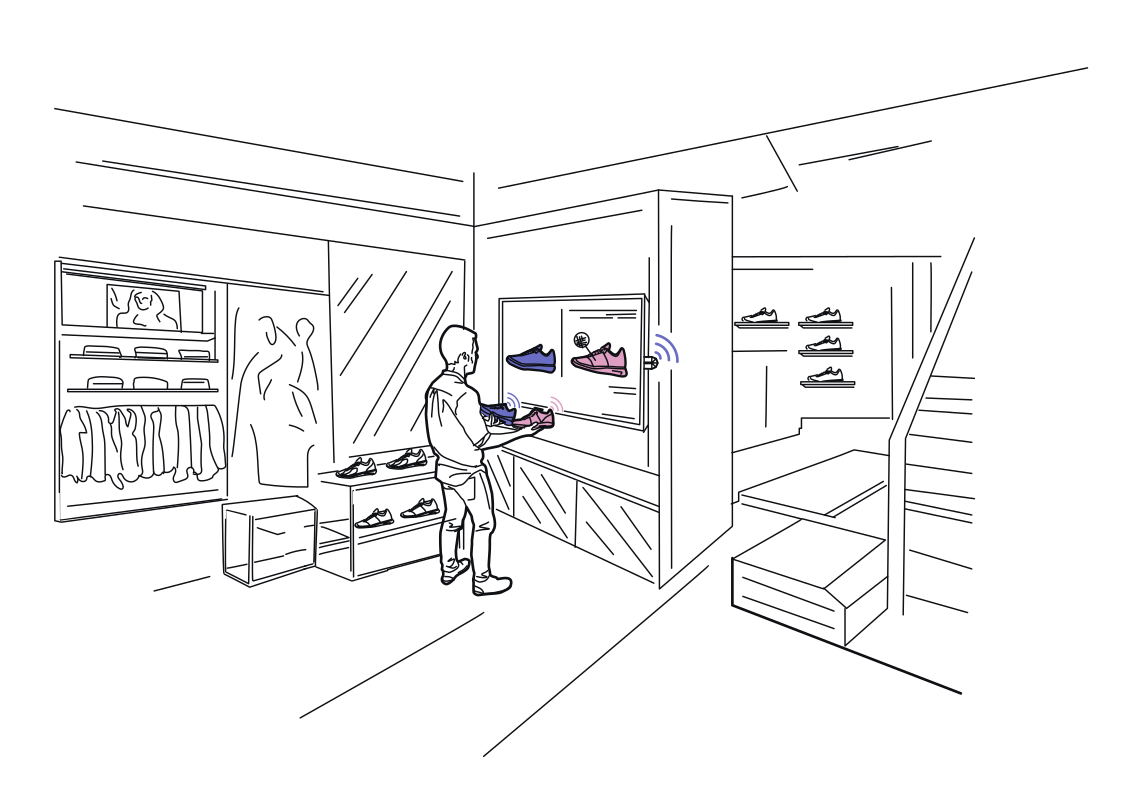 A display that helps you chooseRead more
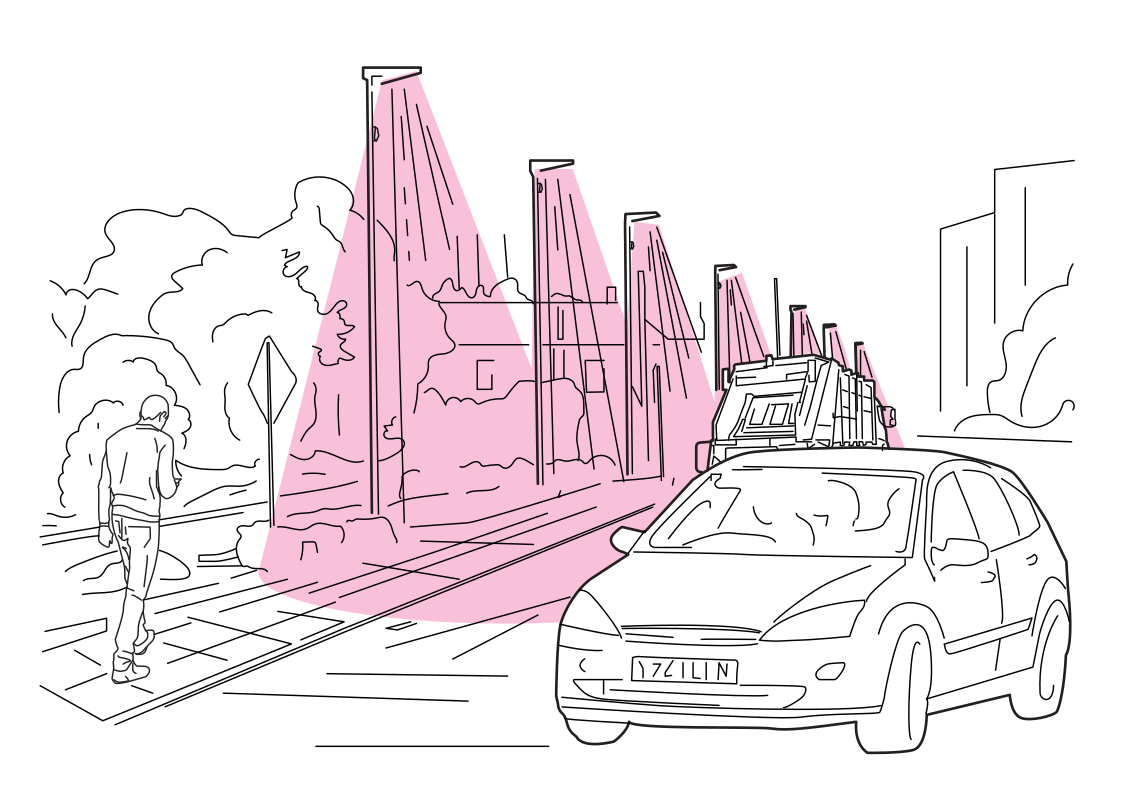 Understand movement along the roadRead more
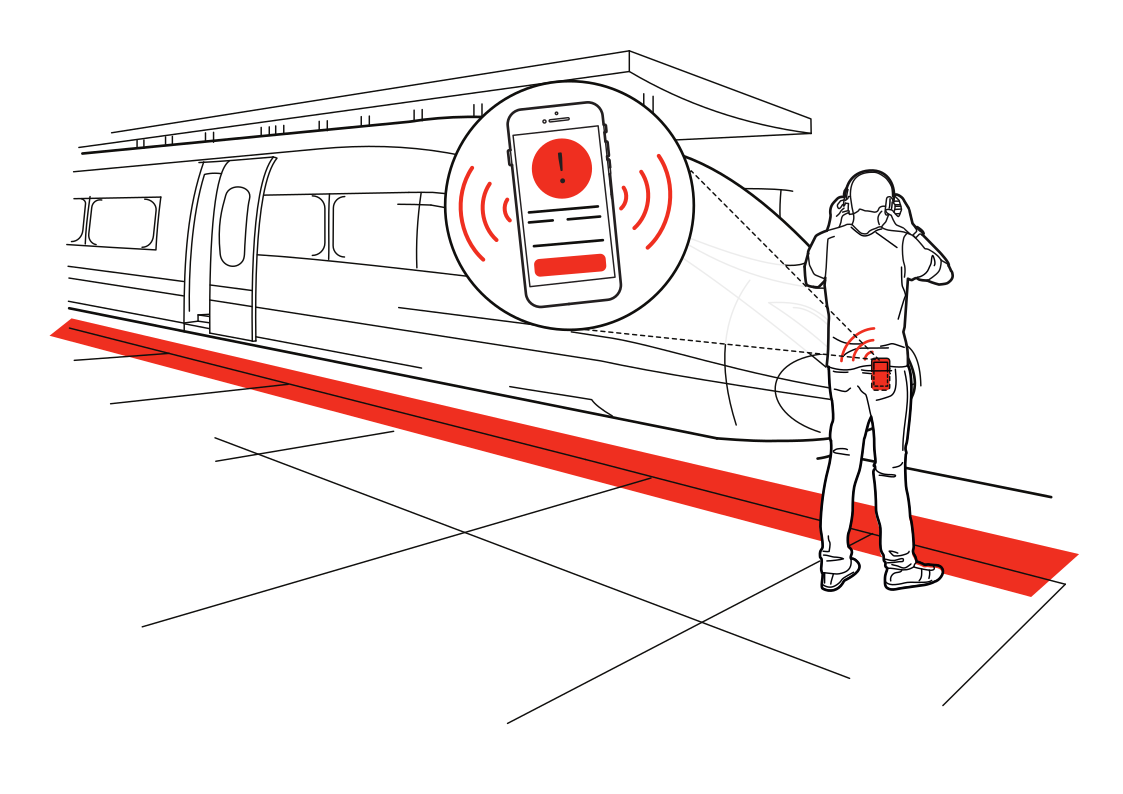 A reminder at the platform edgeRead more
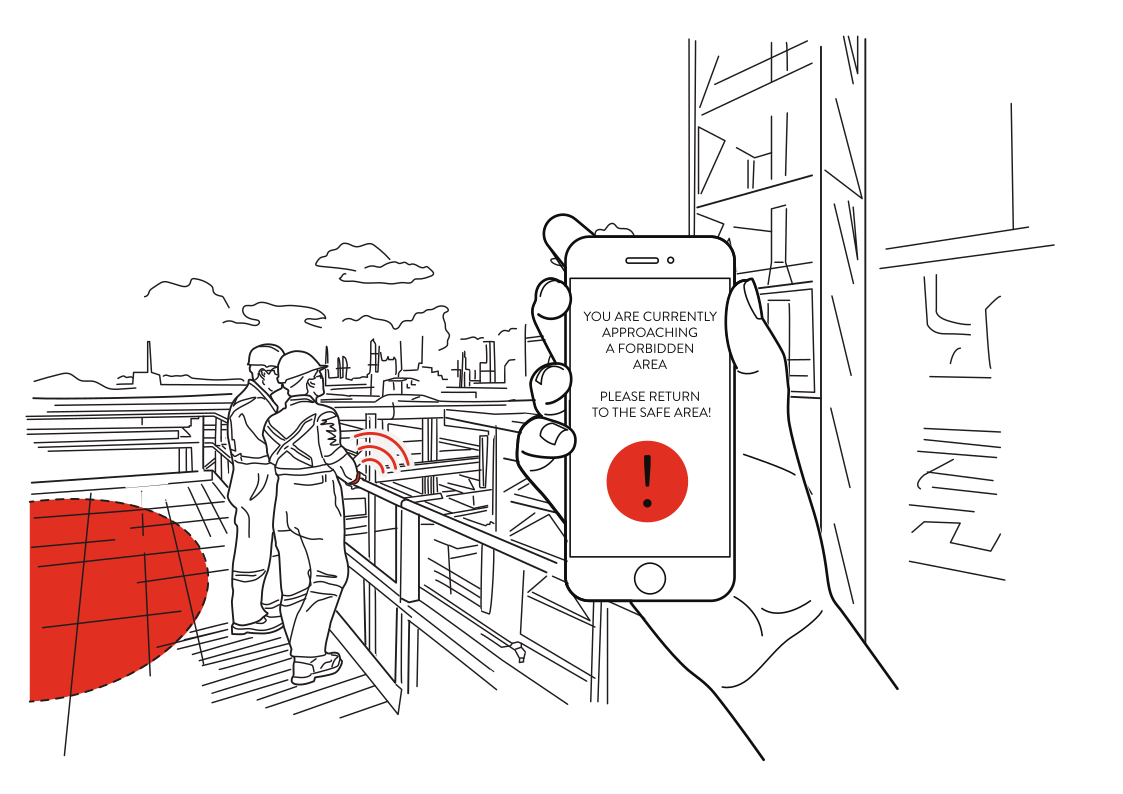 Keep work zones visibleRead more
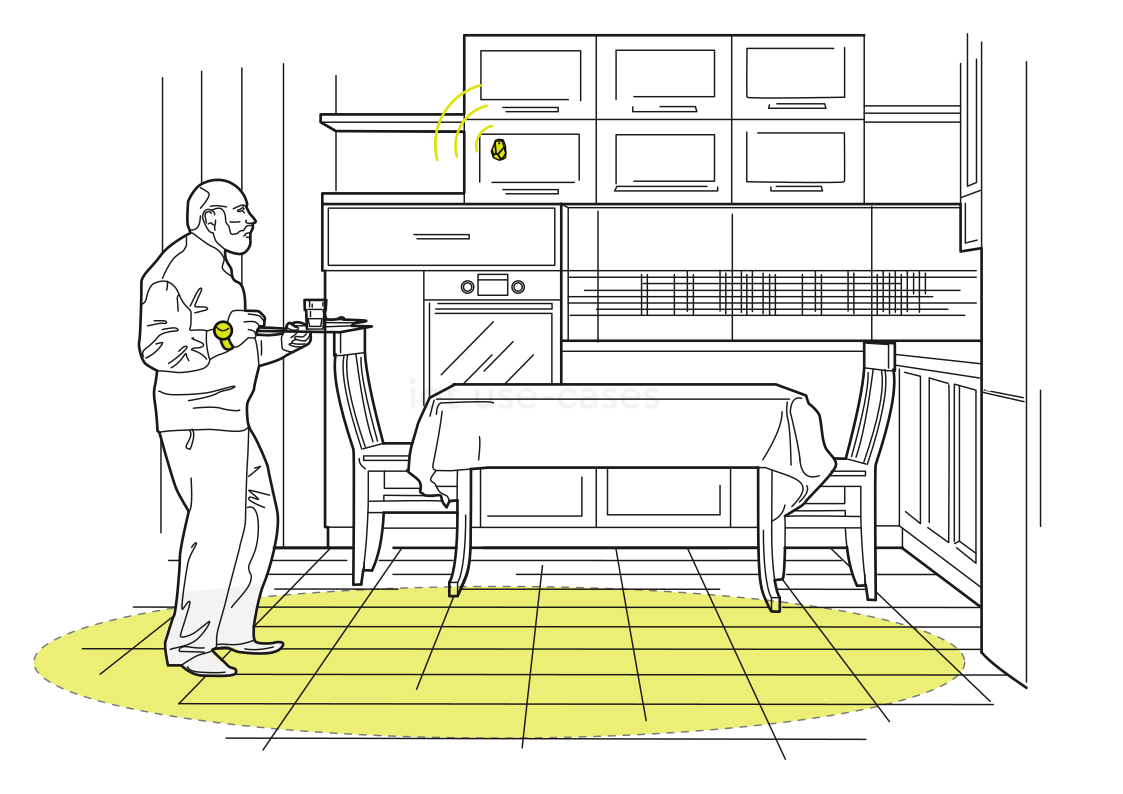 A kitchen that respondsRead more
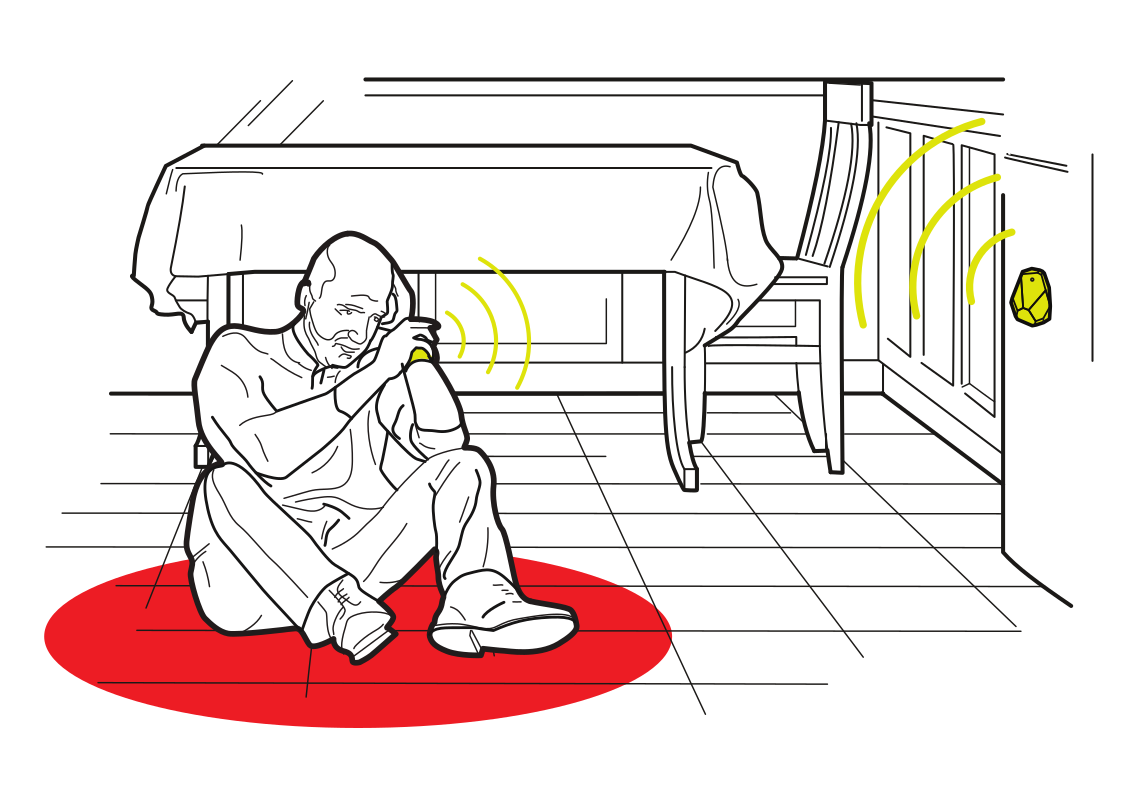 Help within reach at homeRead more
 Understand movement through a venueRead more
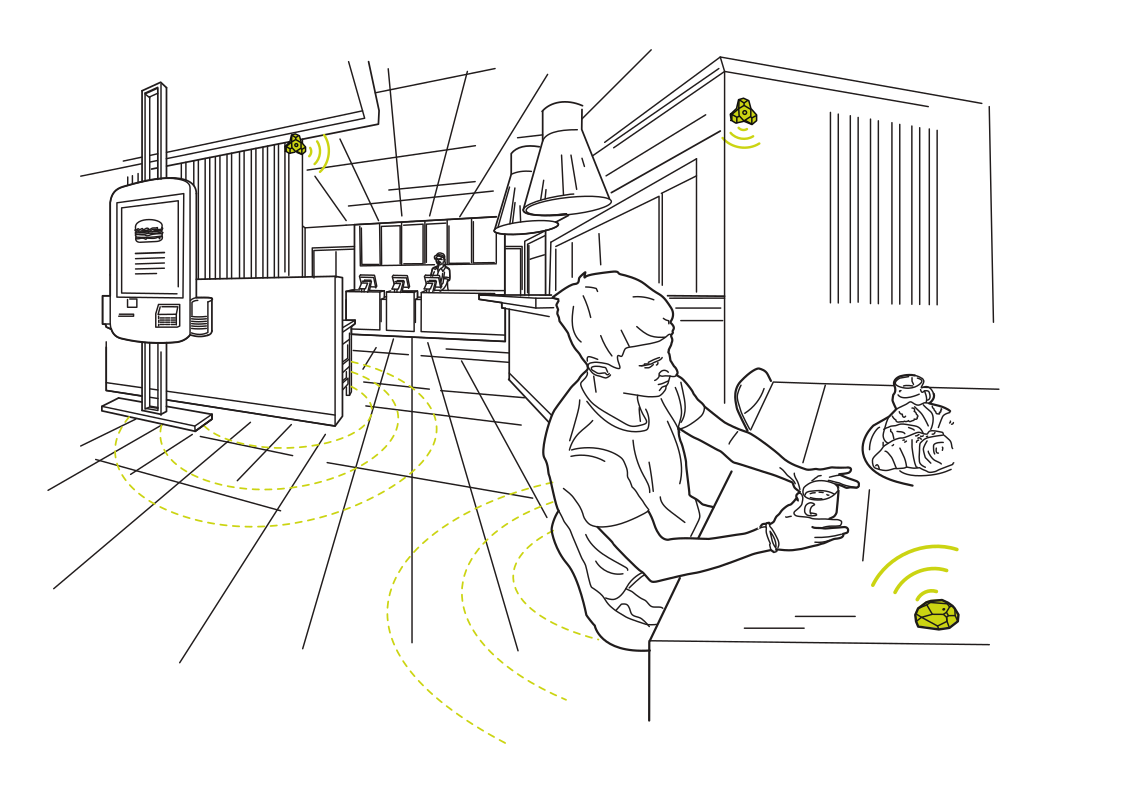 Service that knows the tableRead more
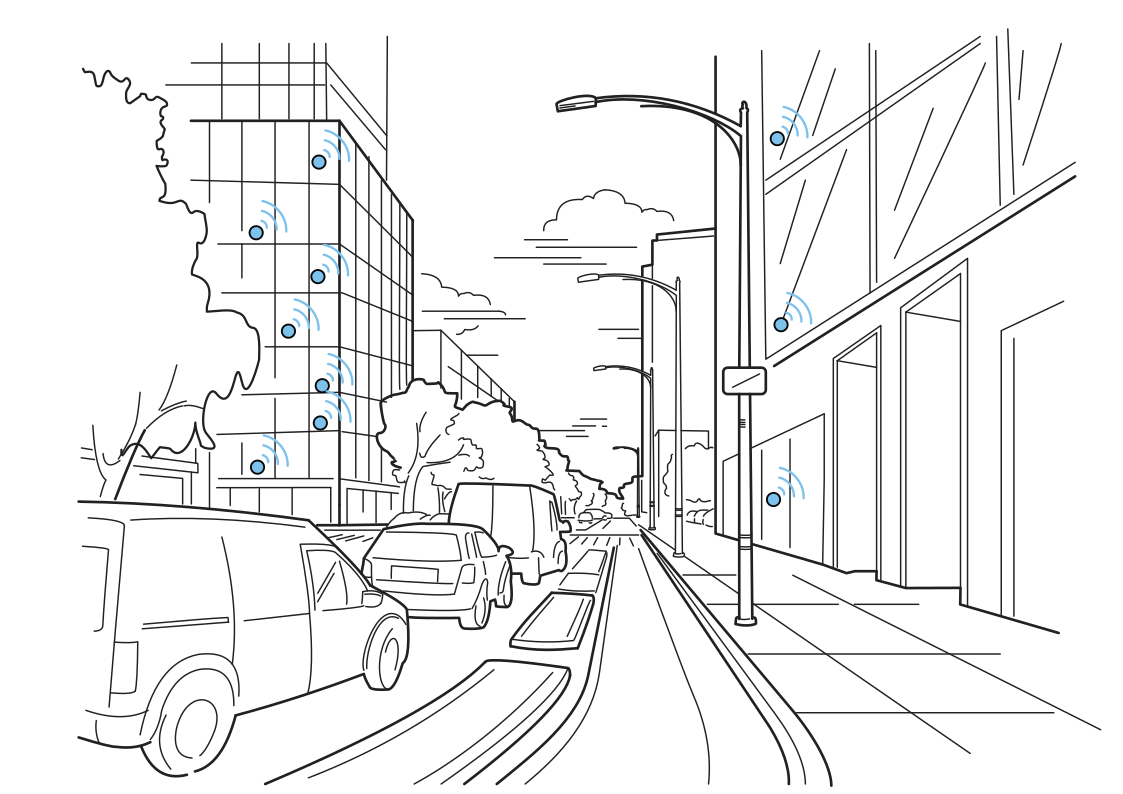 Understand activity along the streetRead more
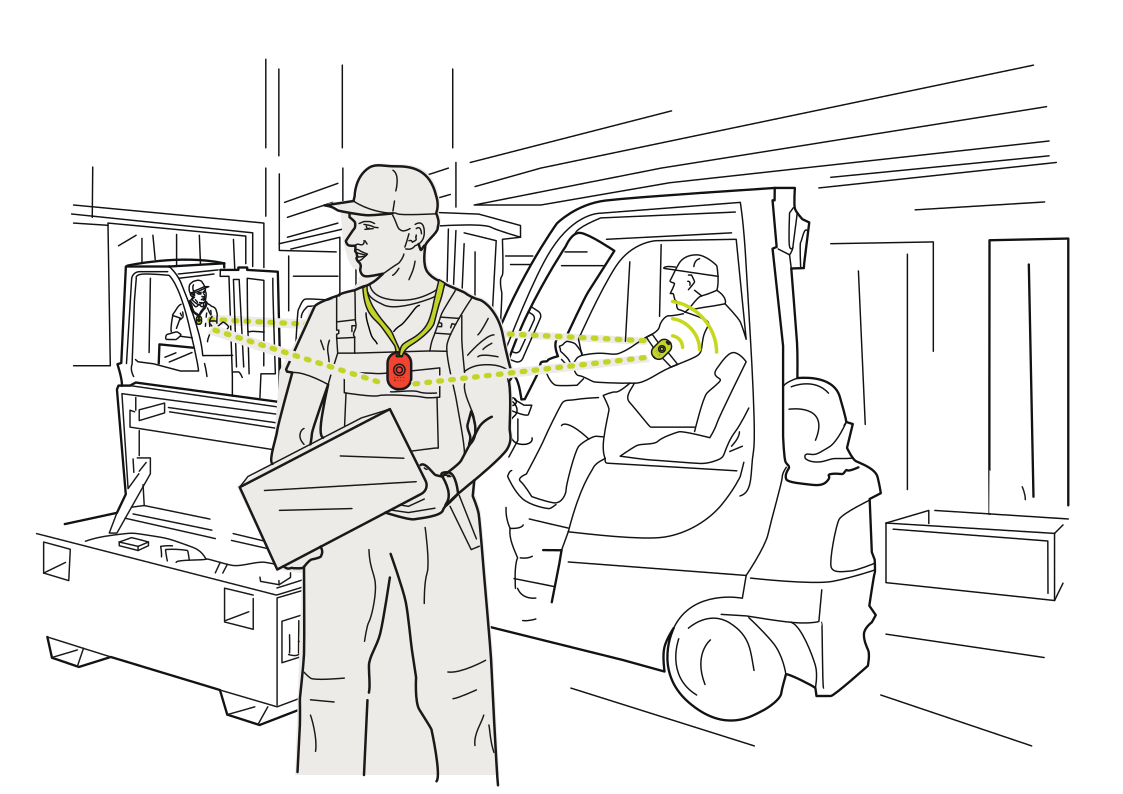 More awareness around forkliftsRead more
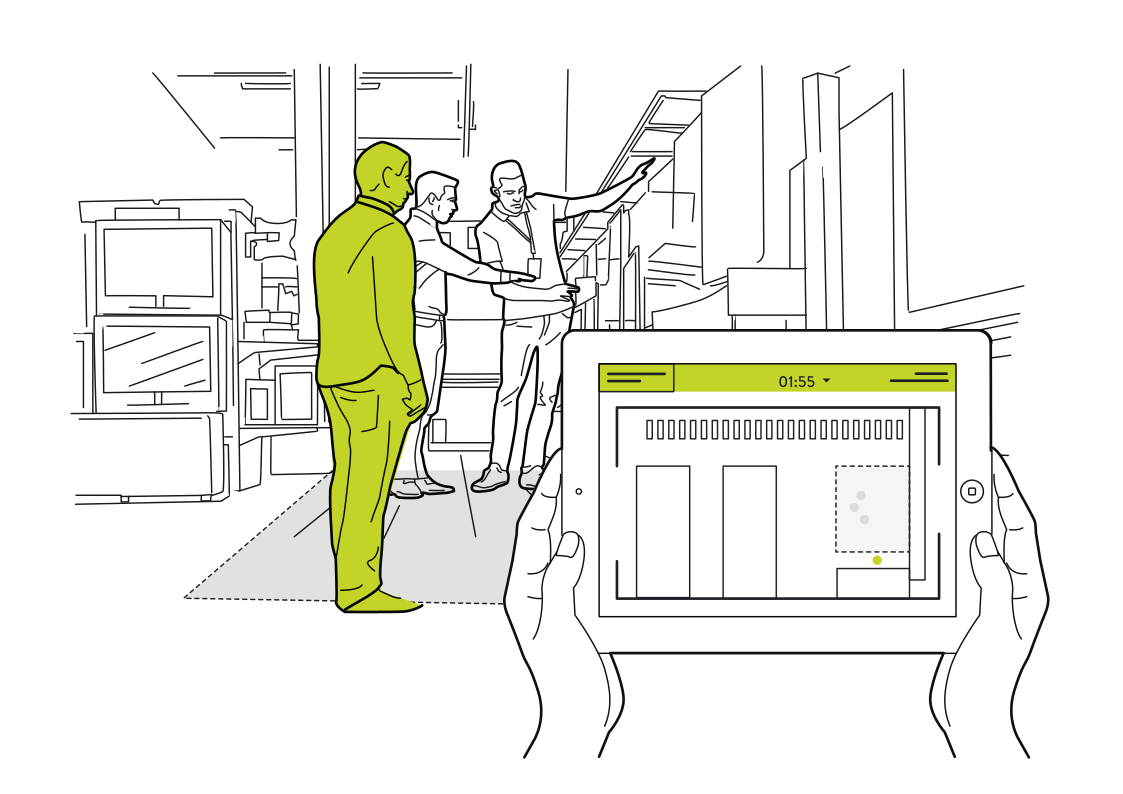 See where shoppers need supportRead more
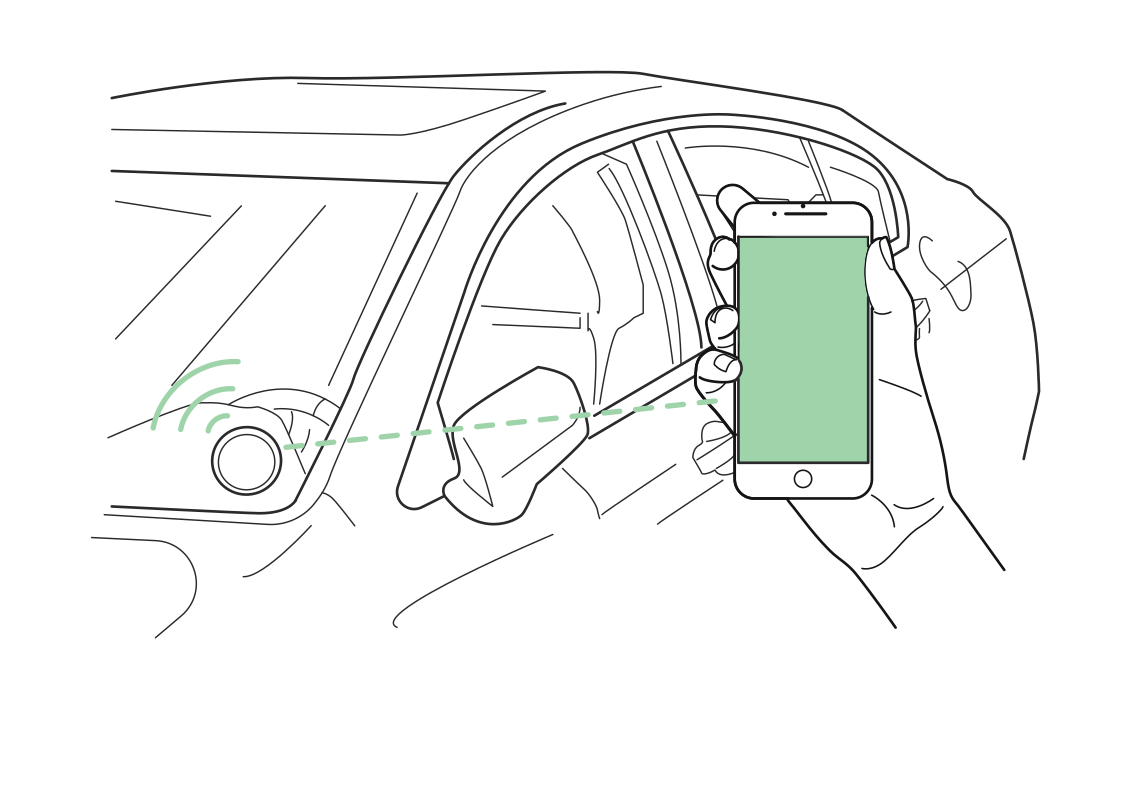 Recognize the car at your sideRead more
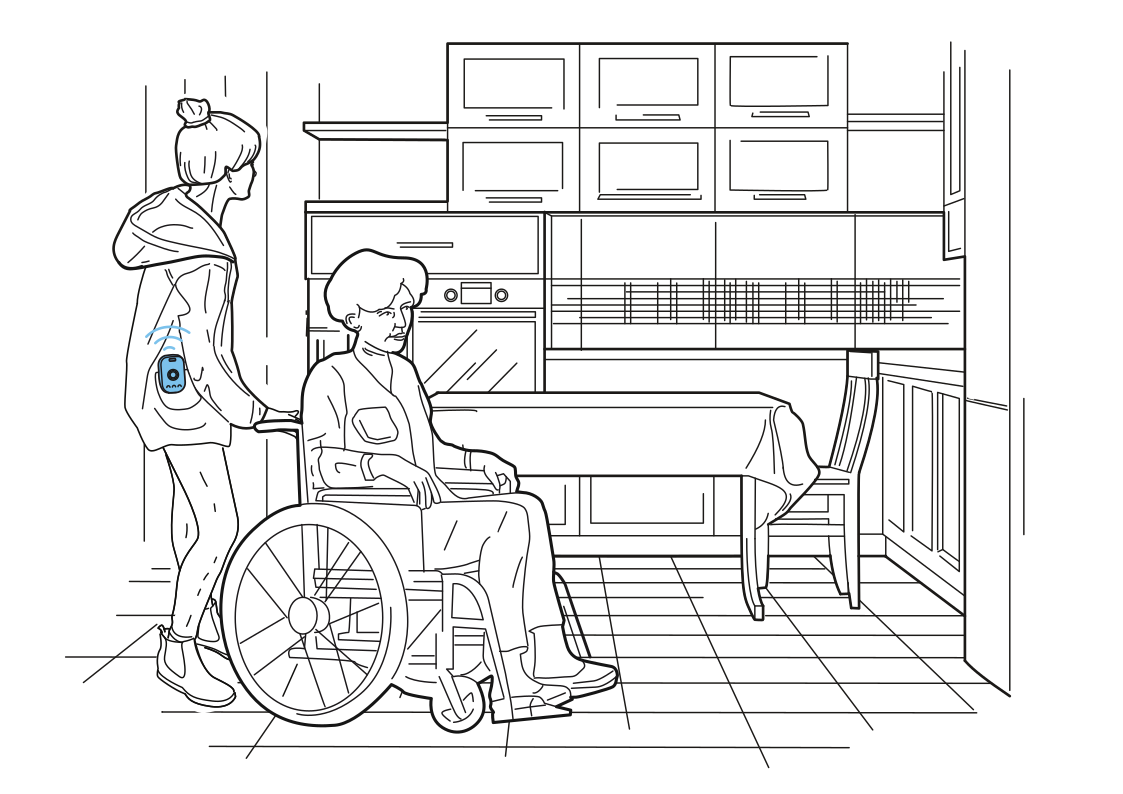 Support that follows the visitRead more
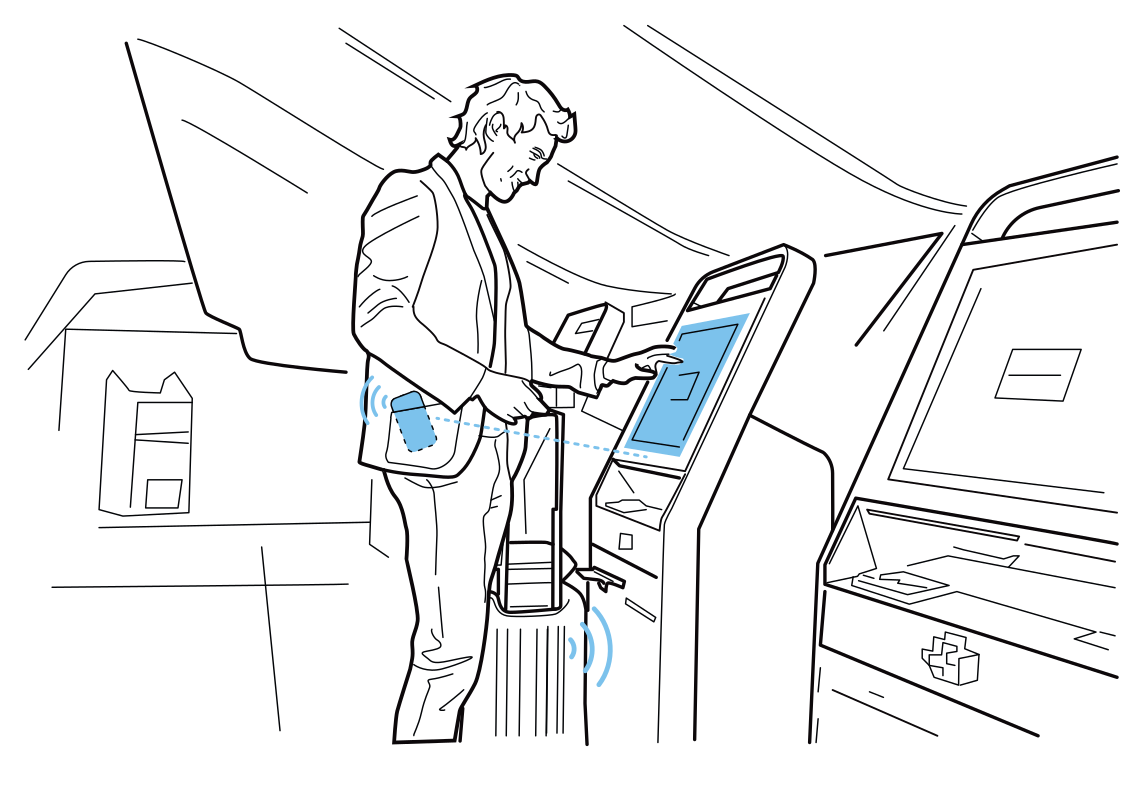 A kiosk that knows where you areRead more
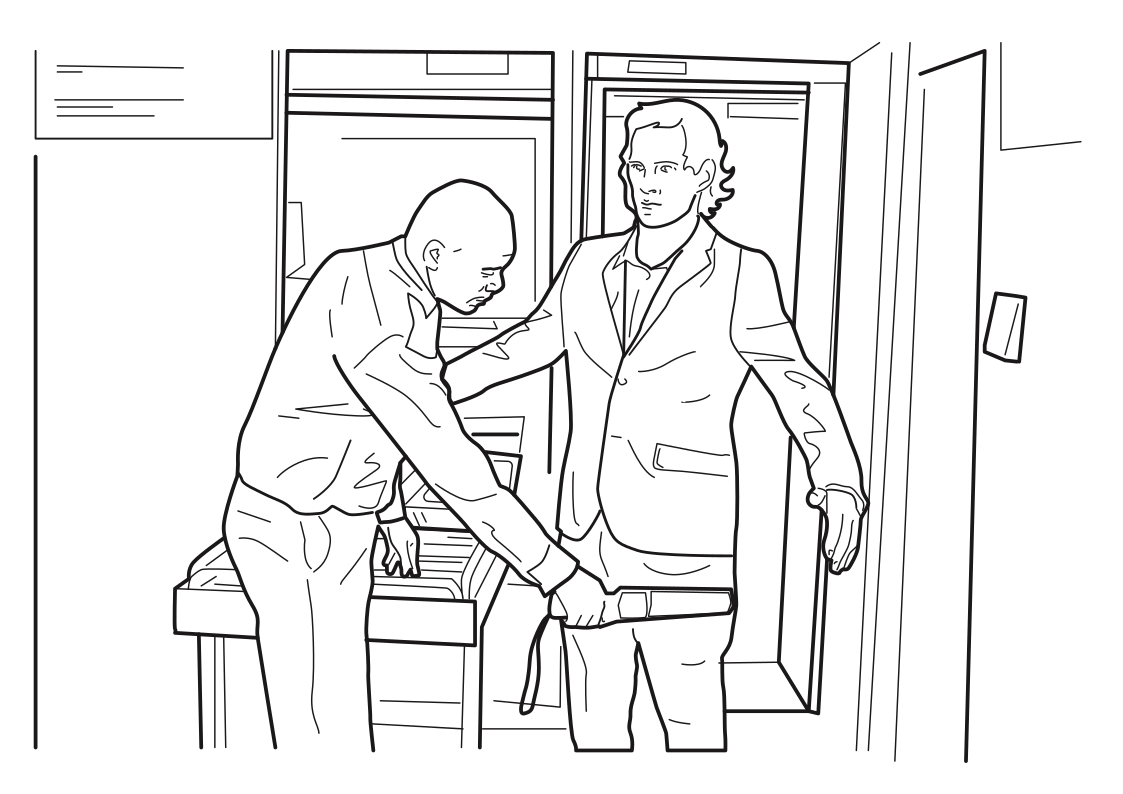 Prepare for security screeningRead more
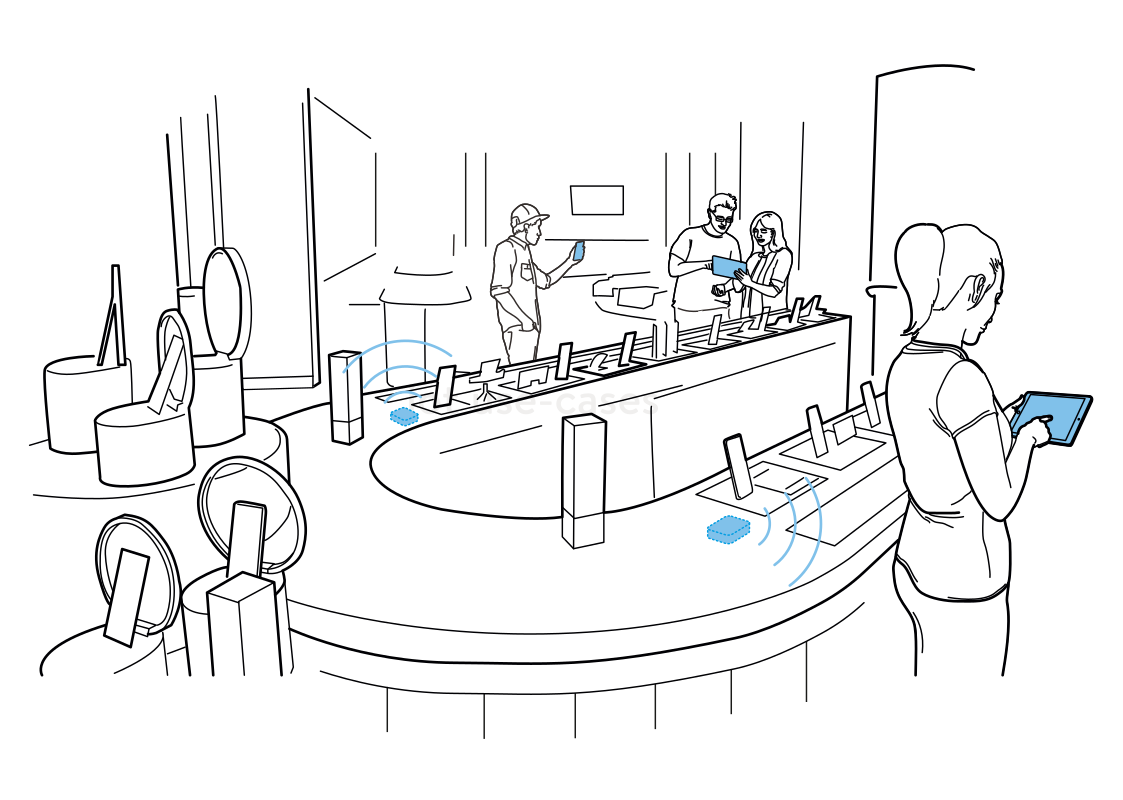 Bring product details closerRead more
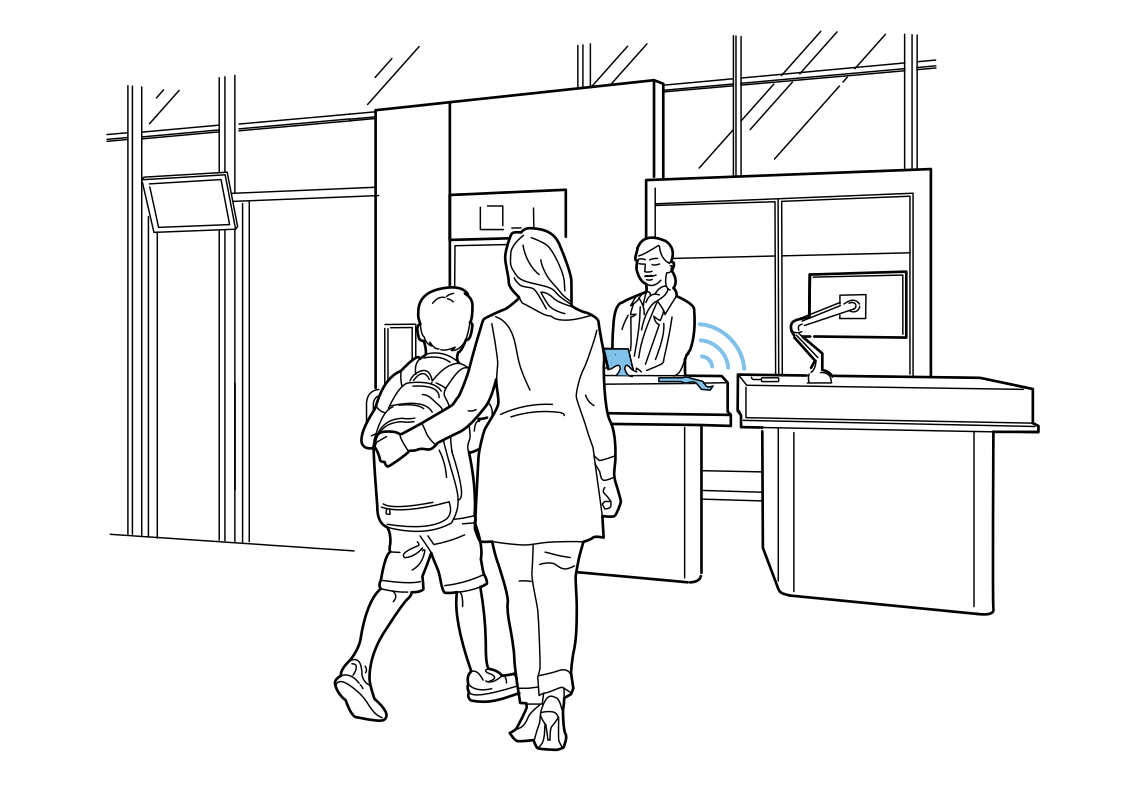 Help at the service deskRead more
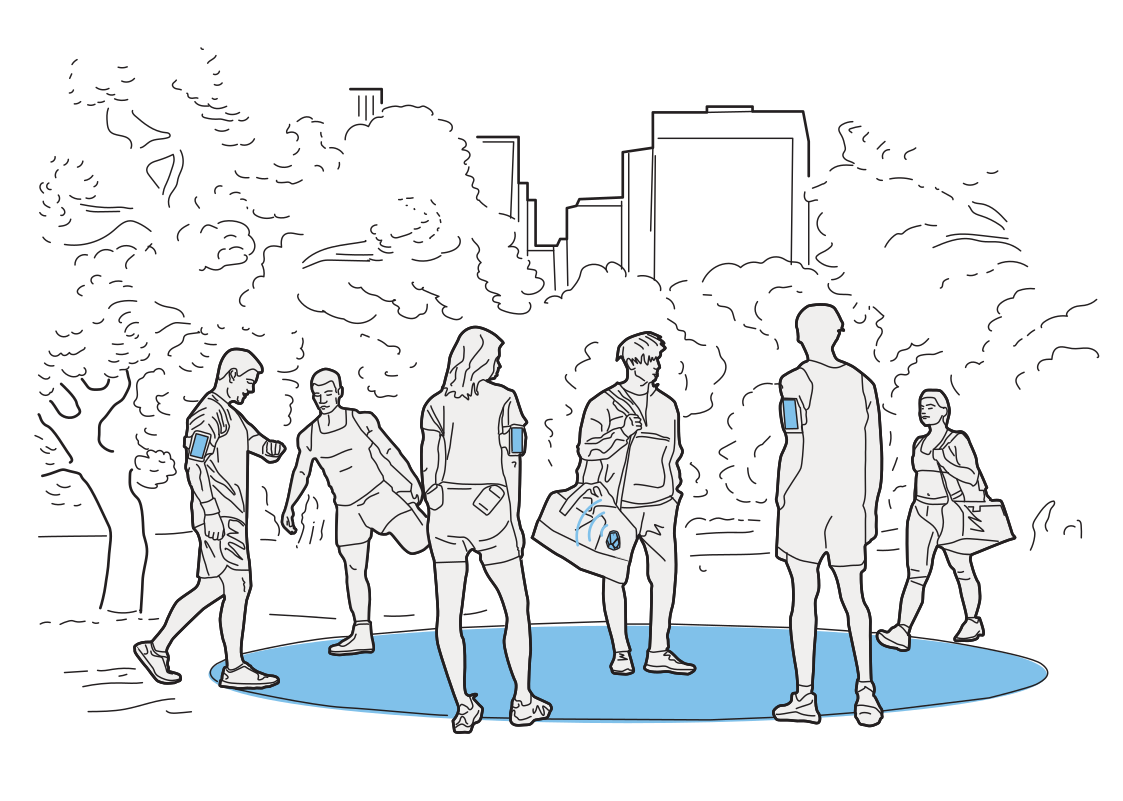 Plan around the way people moveRead more
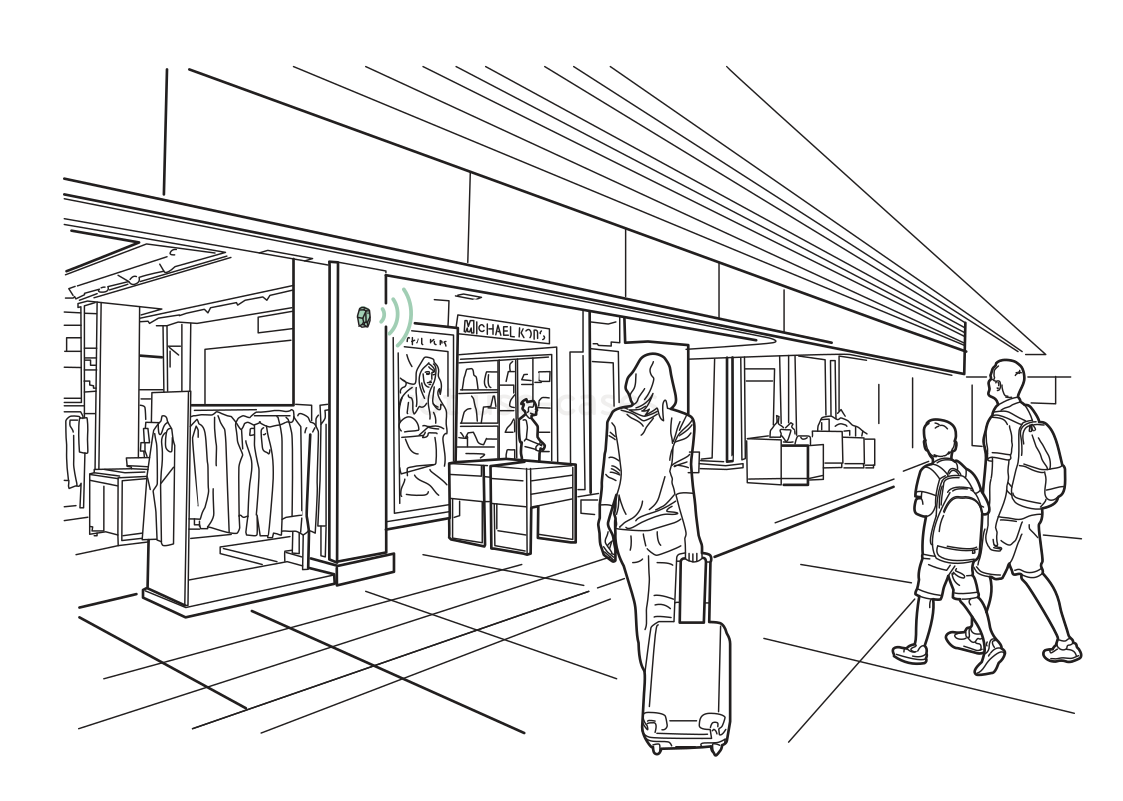 Useful offers on the wayRead more
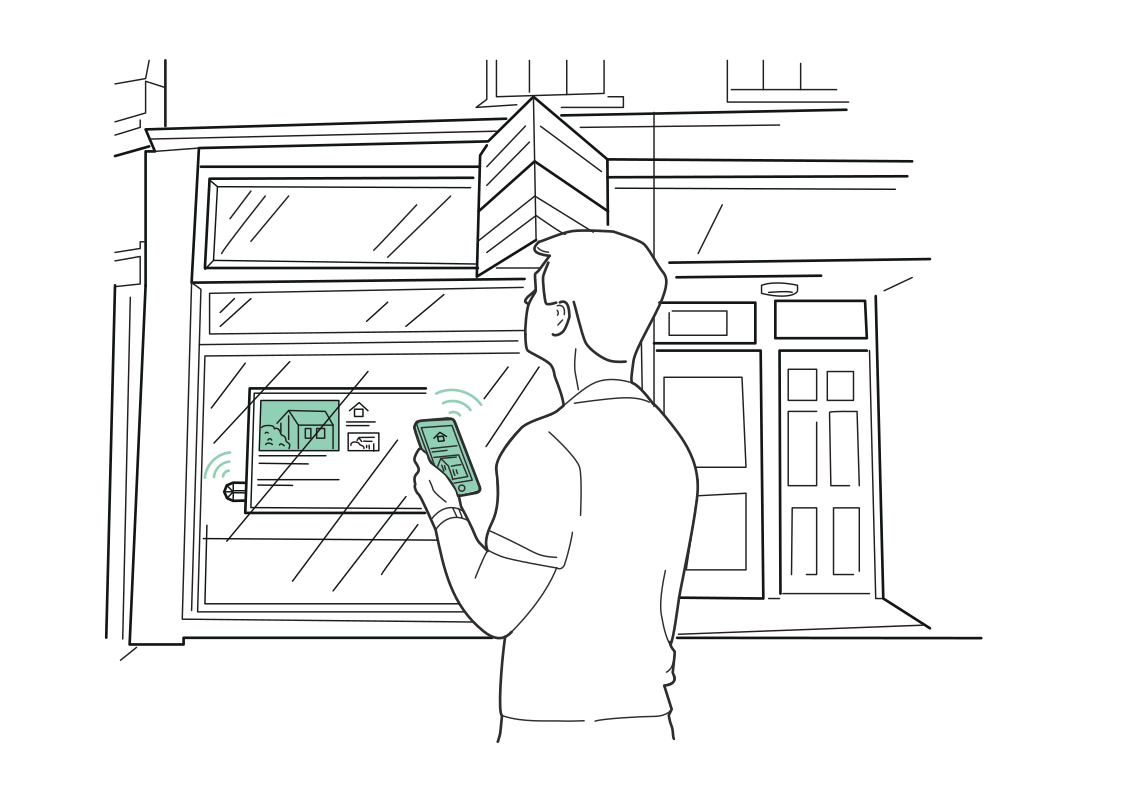 Explore a property from the windowRead more
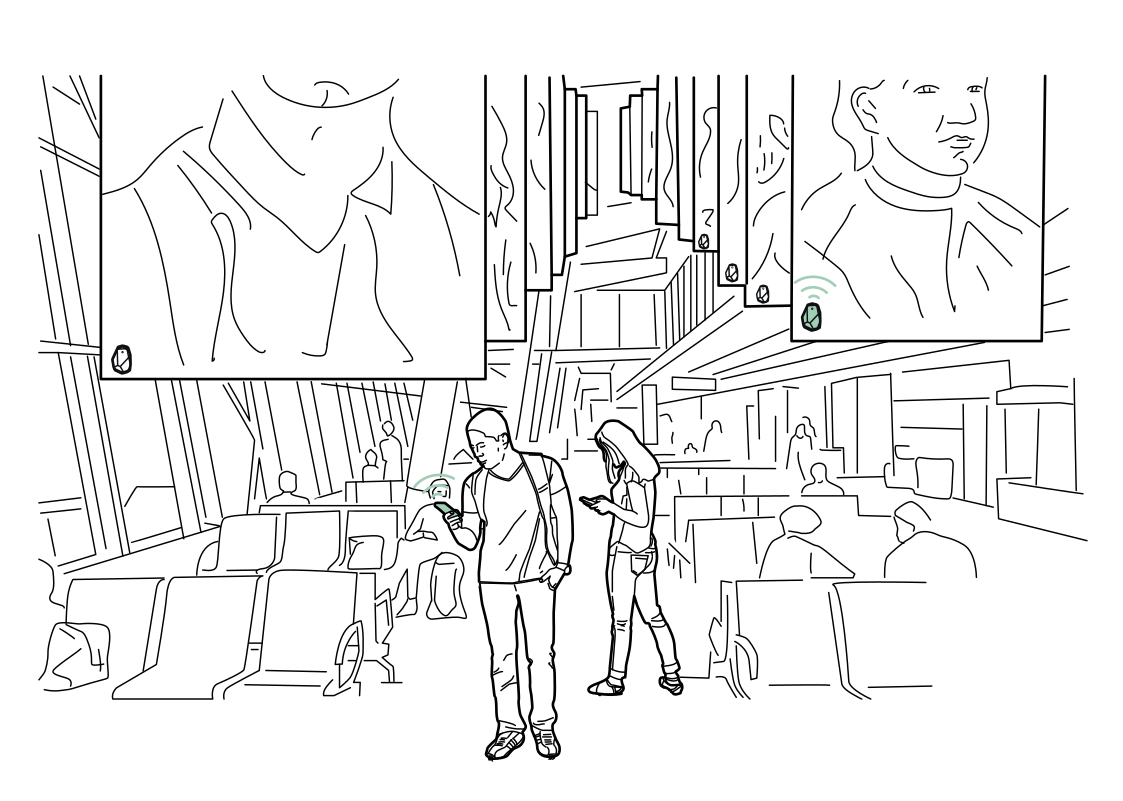 Content for the waiting areaRead more
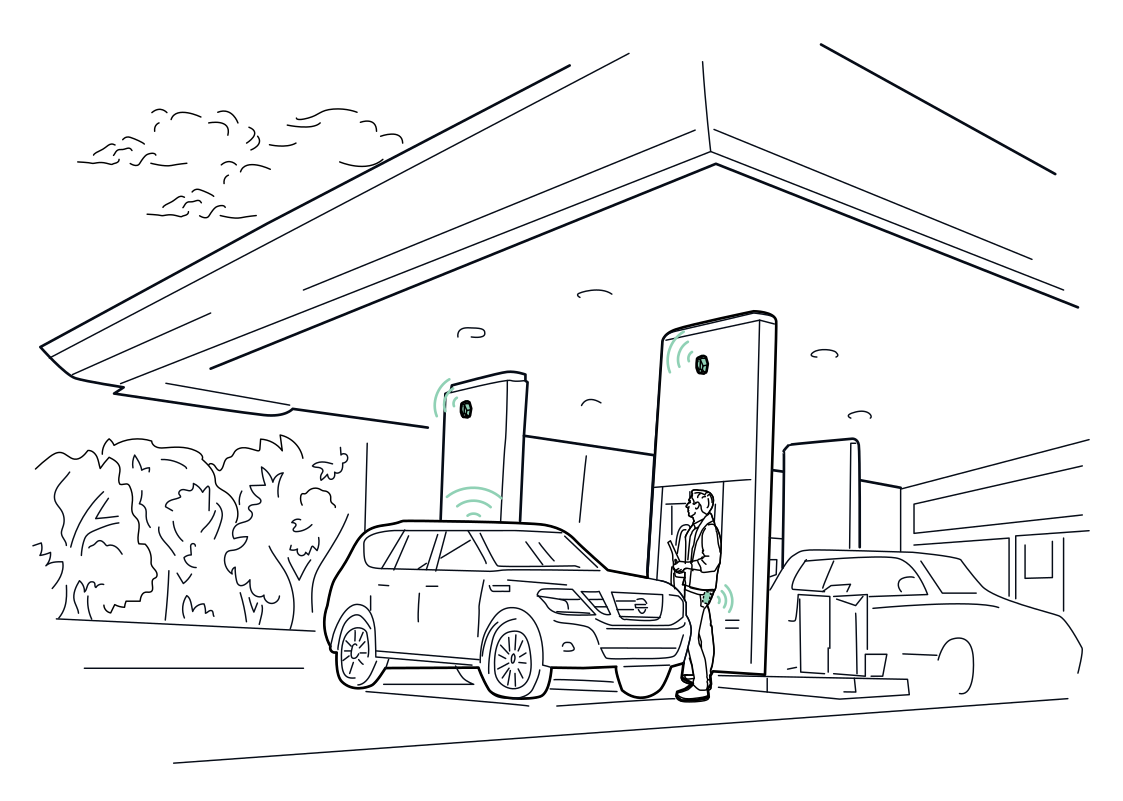 Find the charging pointRead more
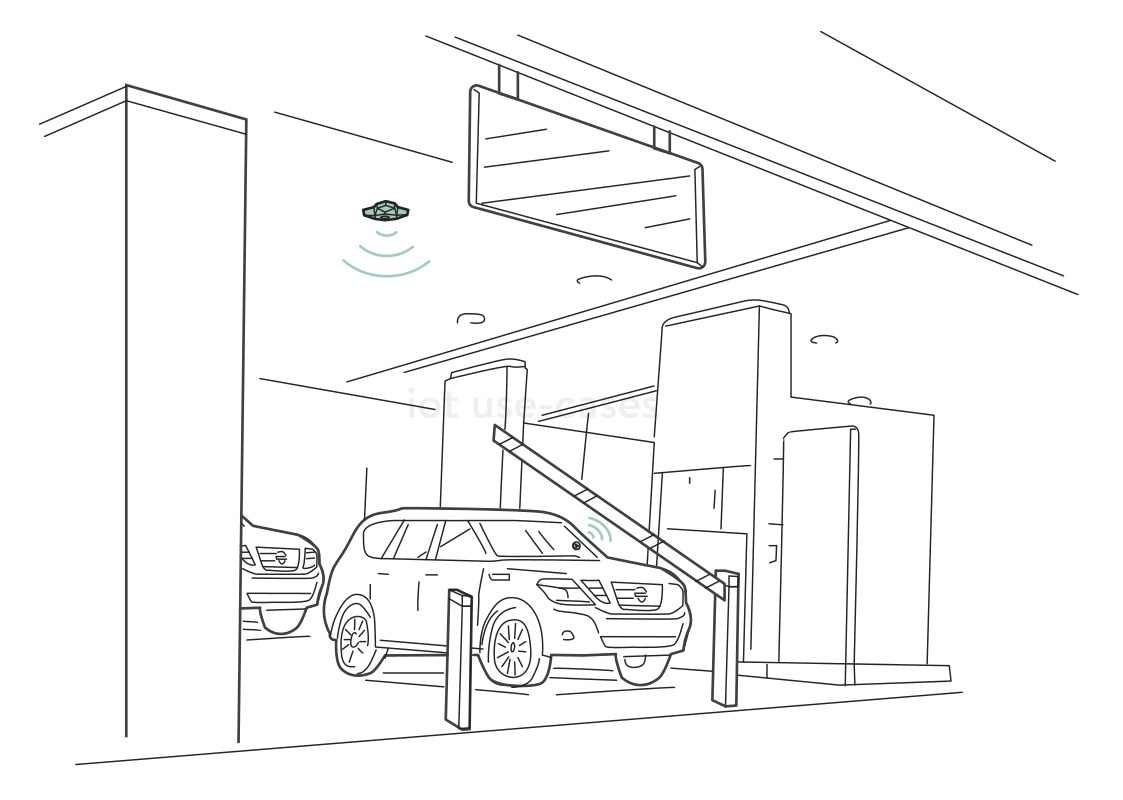 Know when a vehicle is waitingRead more
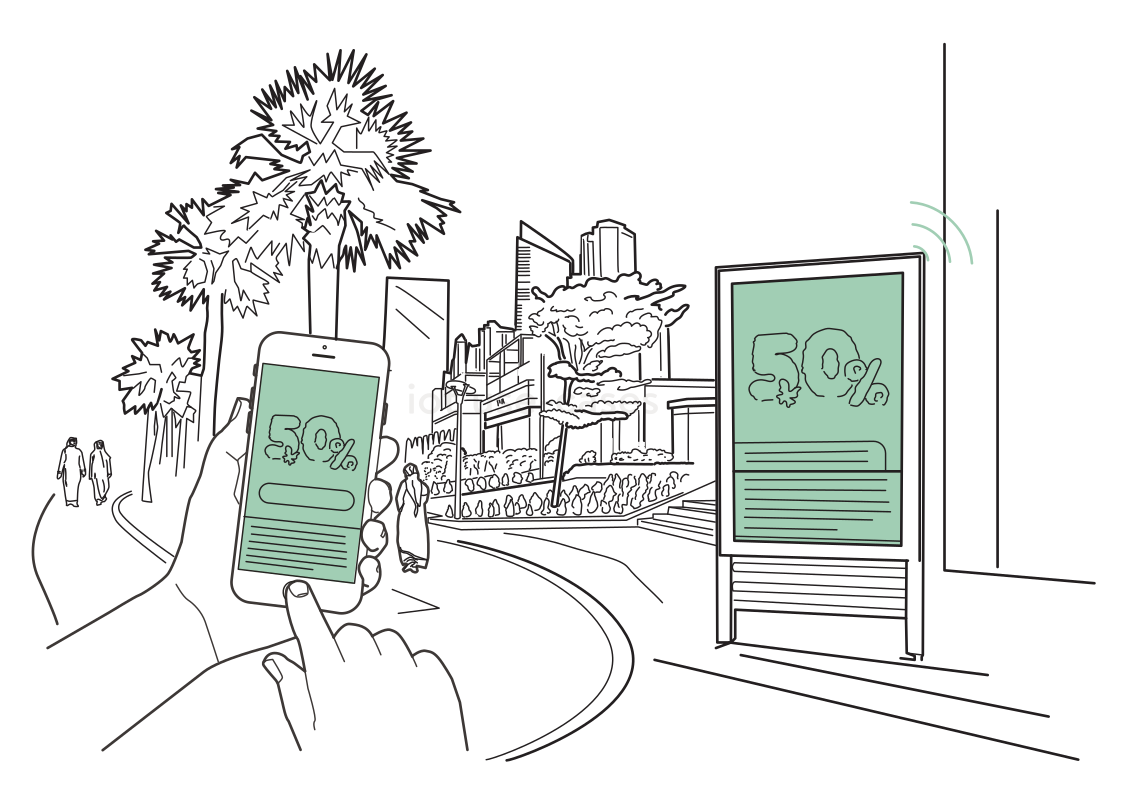 Take the offer with youRead more
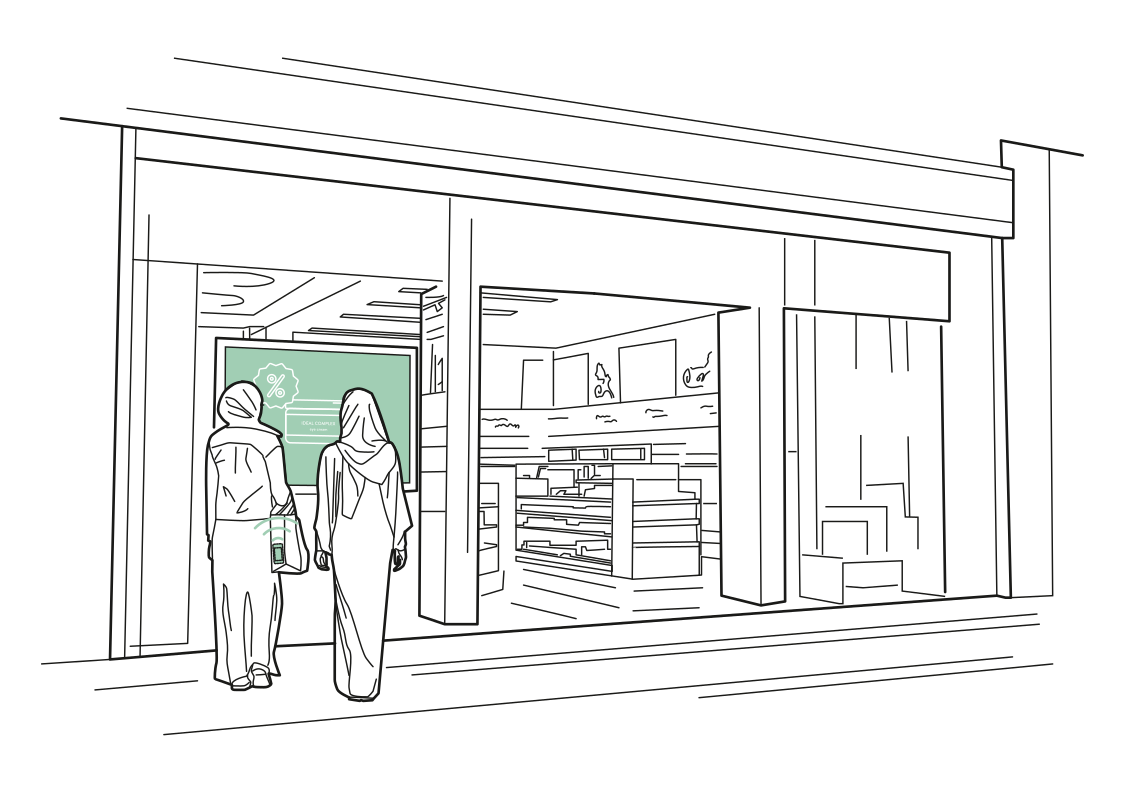 A window that invites discoveryRead more
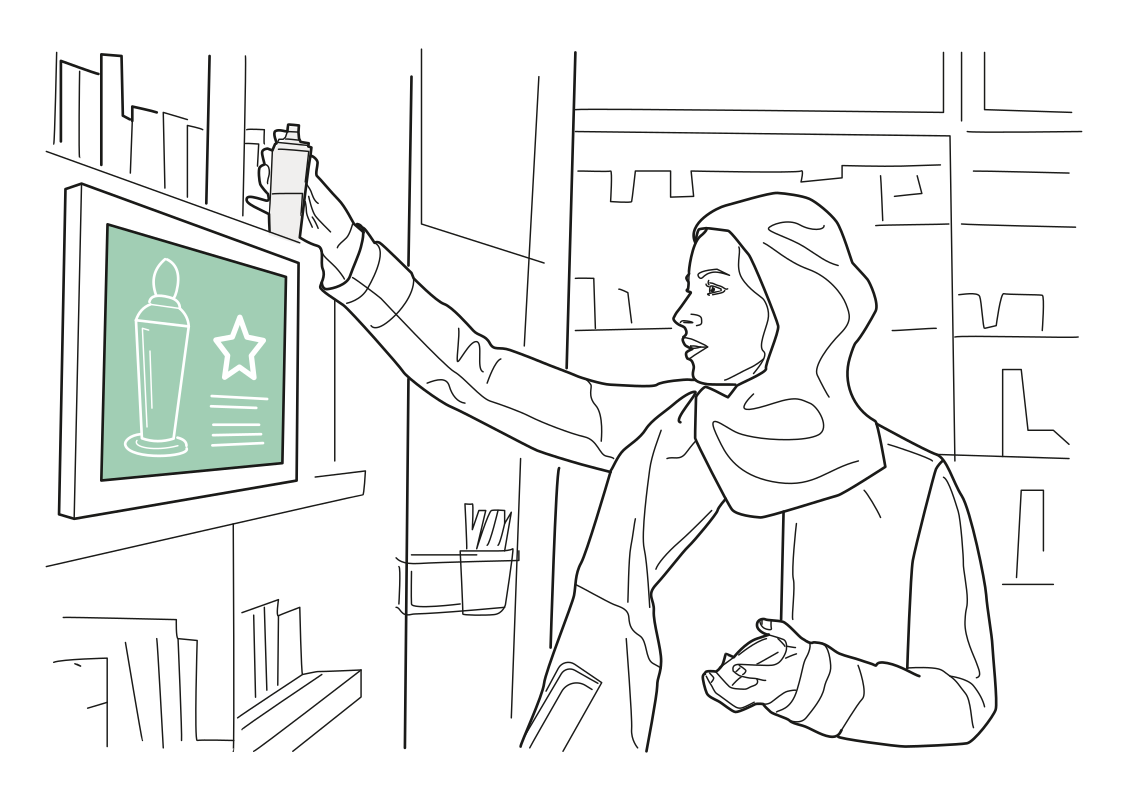 Product information at a glanceRead more
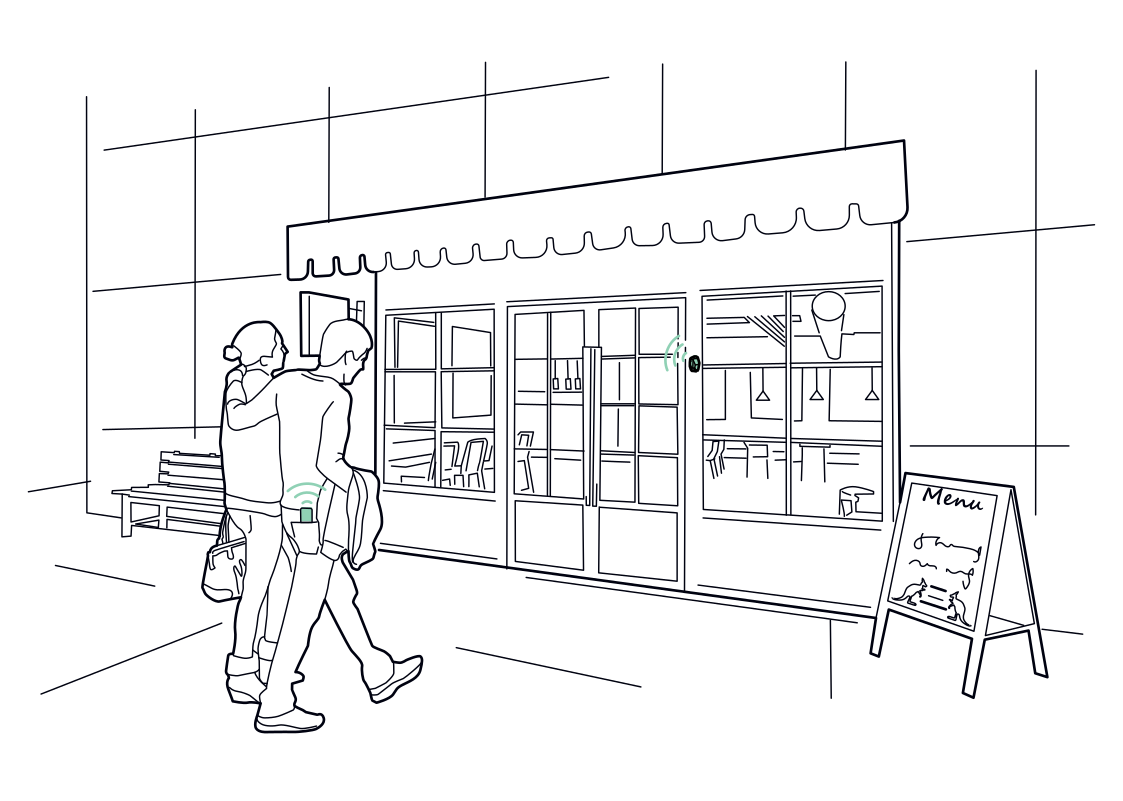 A nearby menu, by choiceRead more
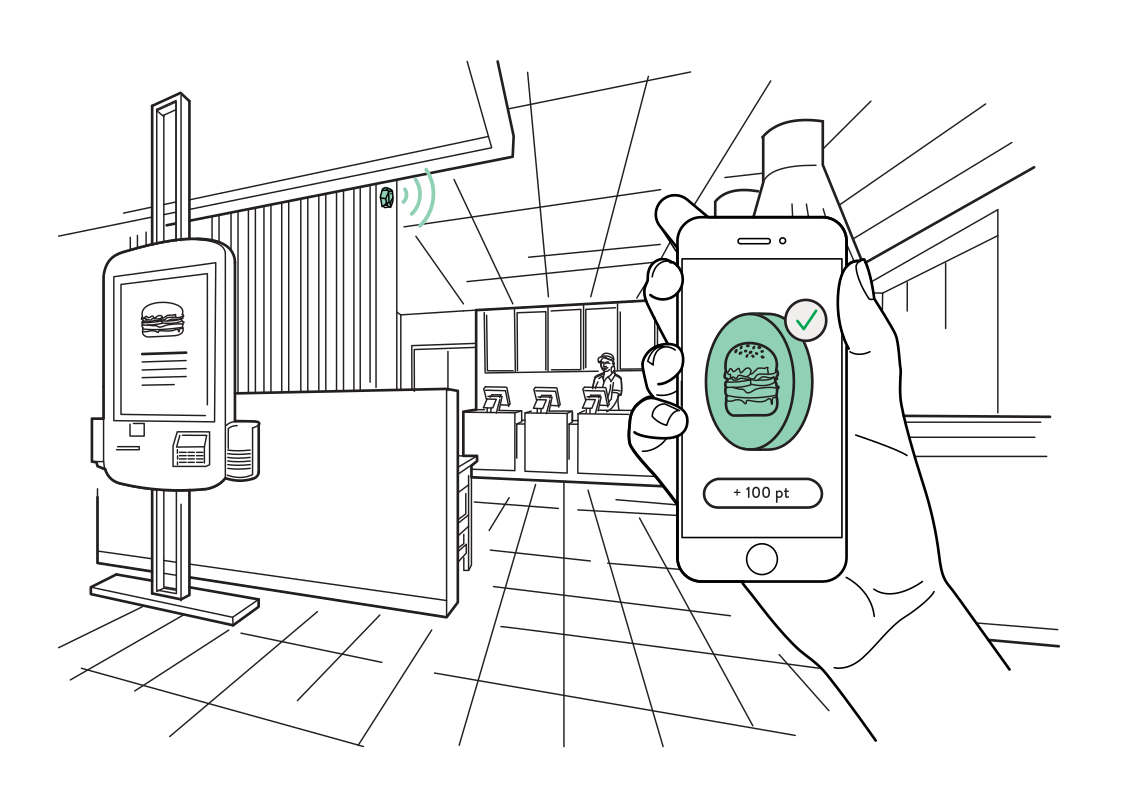 Connect a visit to a rewardRead more
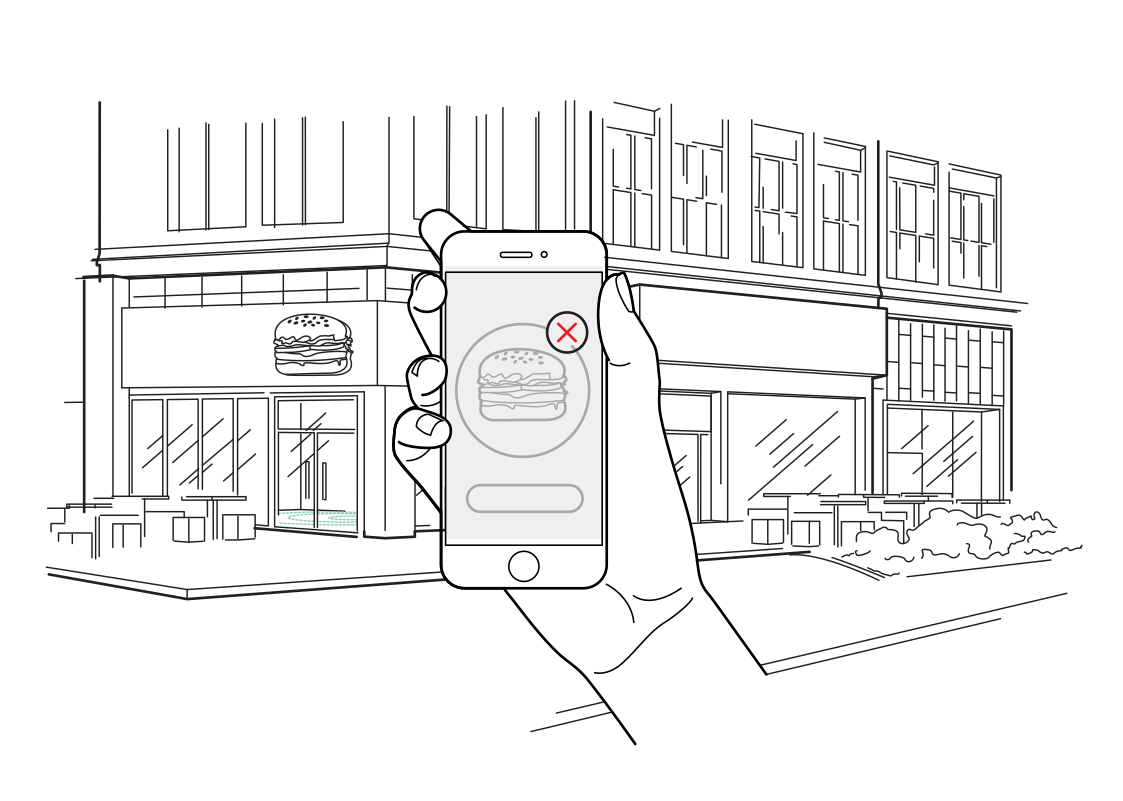 Keep nearby offers relevantRead more
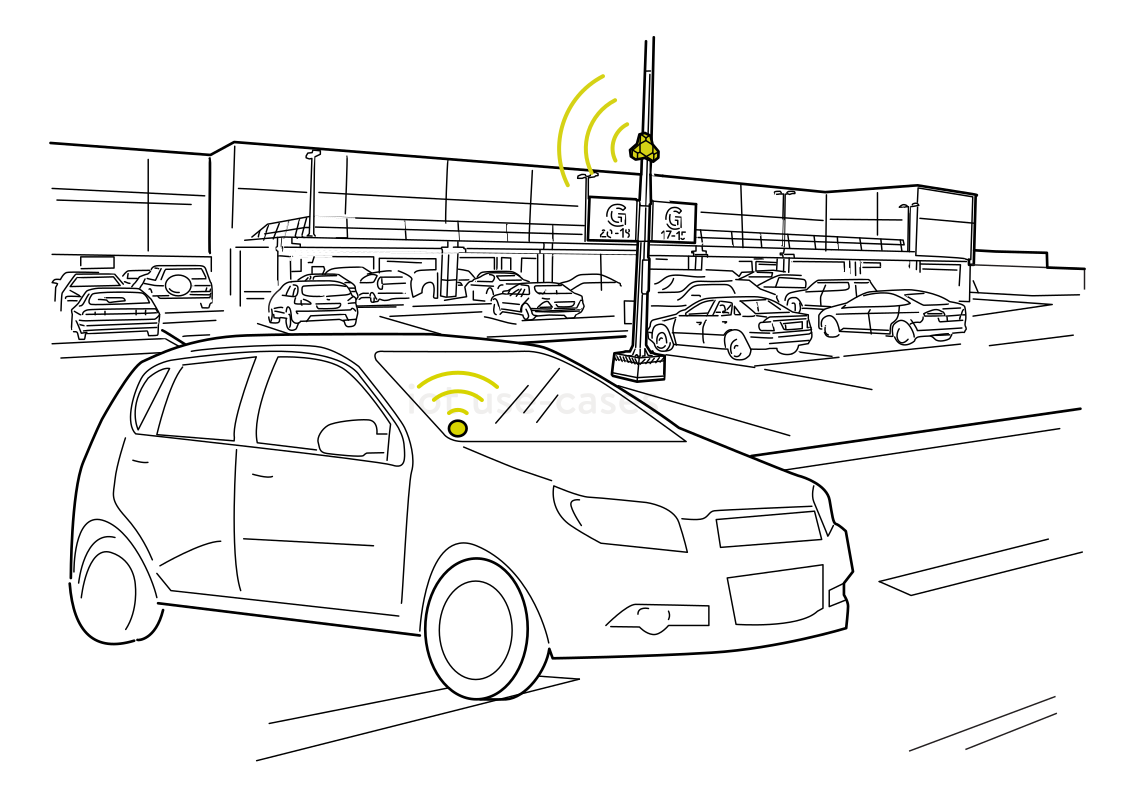 See activity in the parking areaRead more
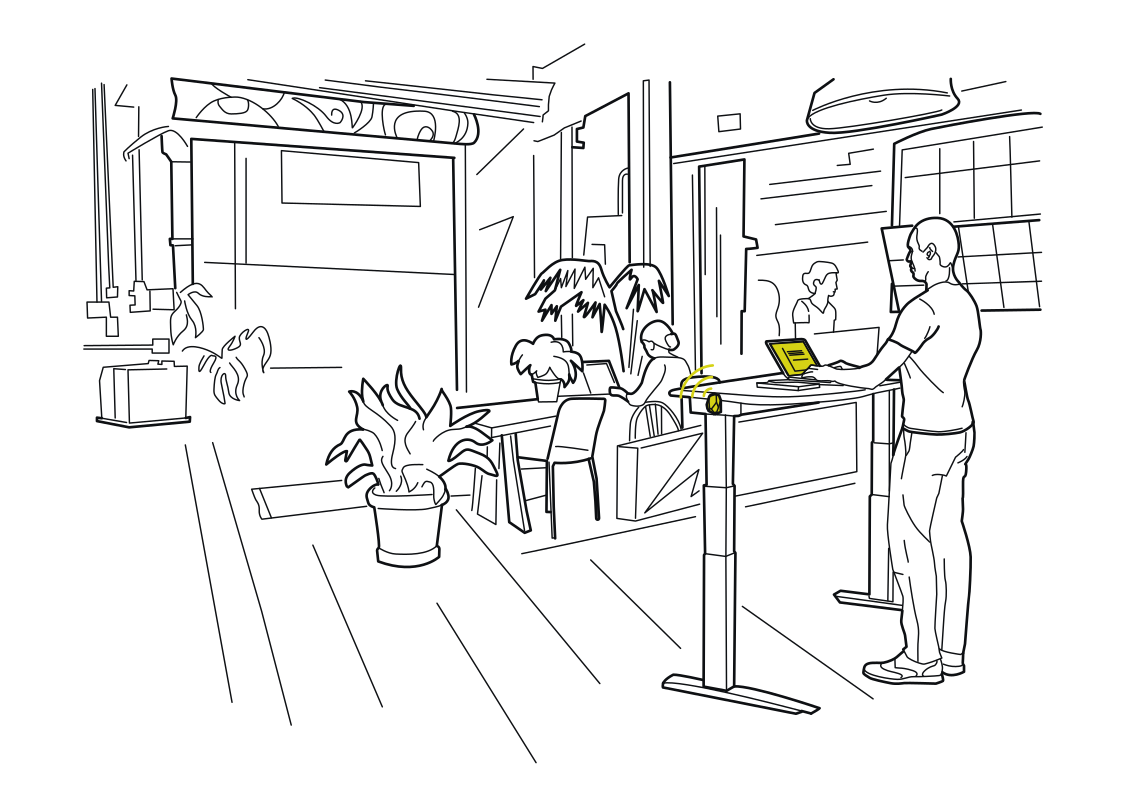 Make shared desks feel personalRead more
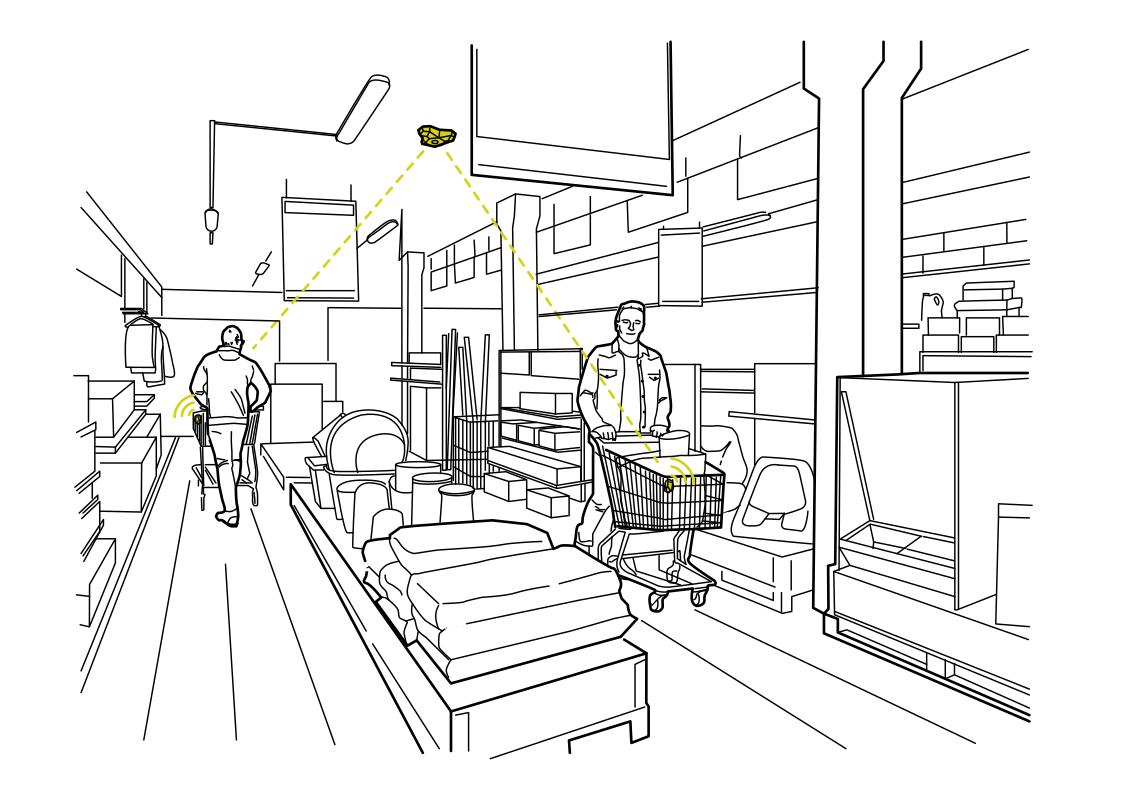 Understand routes through the storeRead more
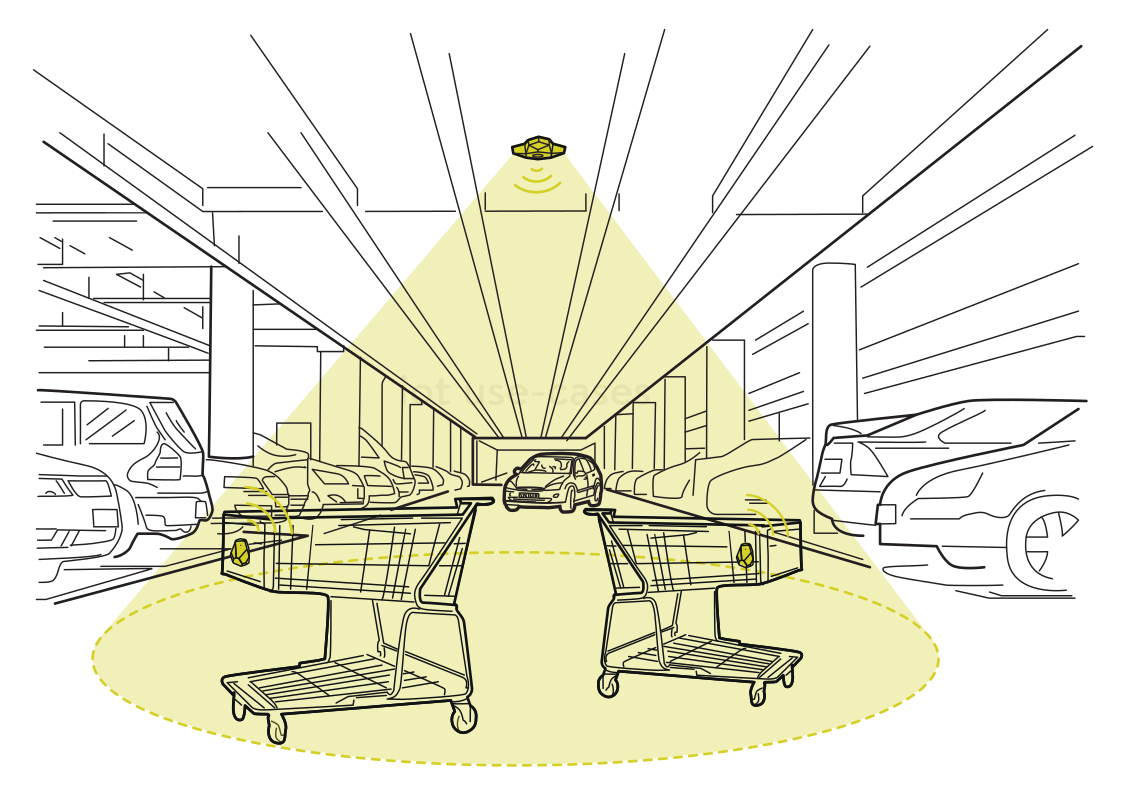 Find carts beyond the entranceRead more
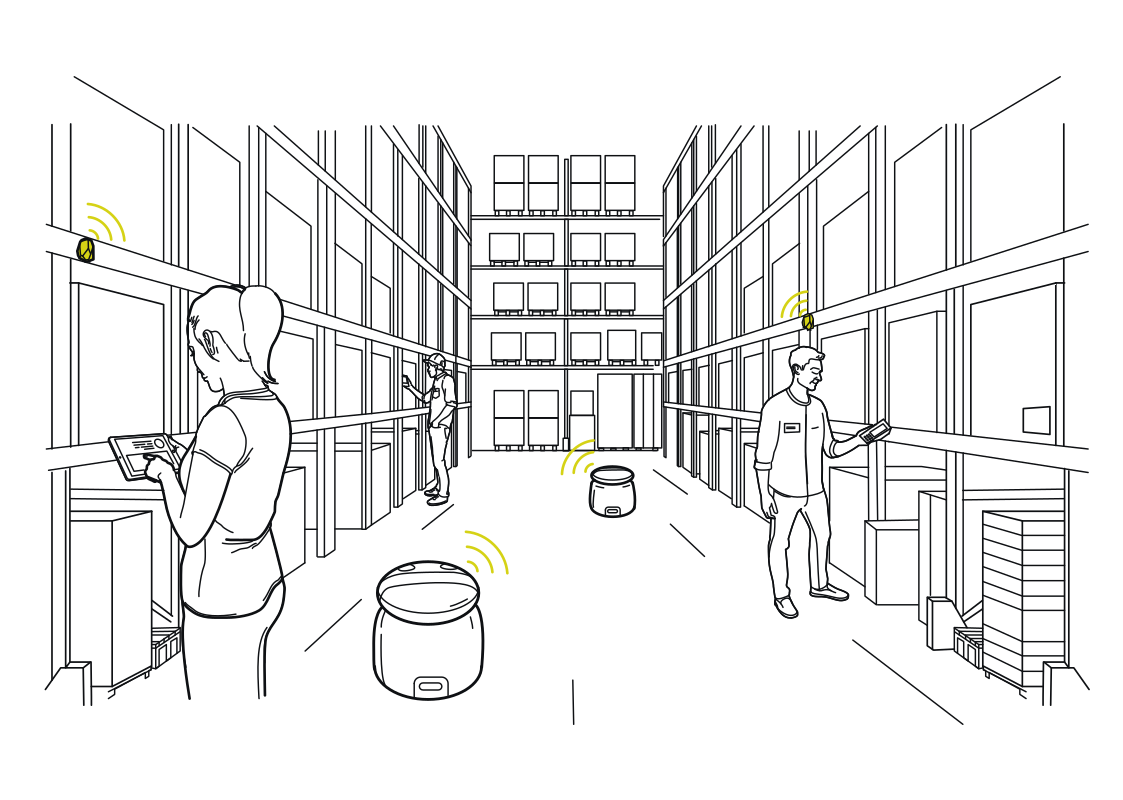 Location for people and robotsRead more
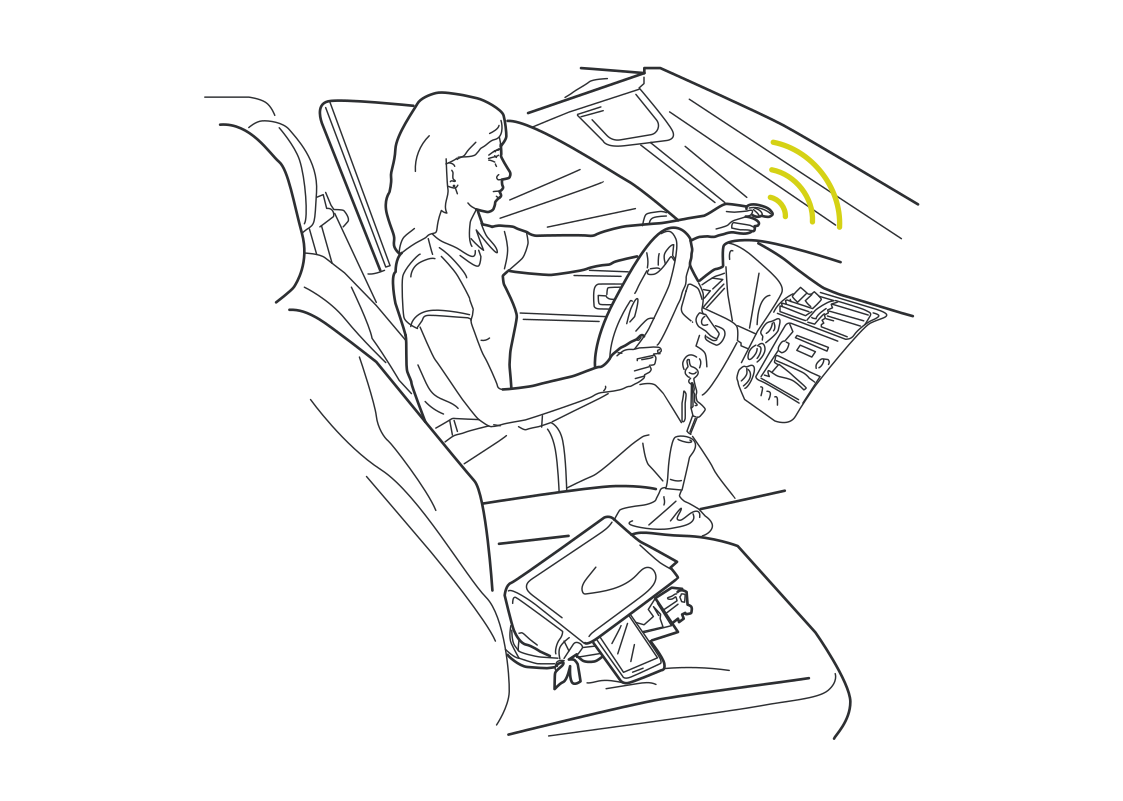 A car that recognizes the momentRead more
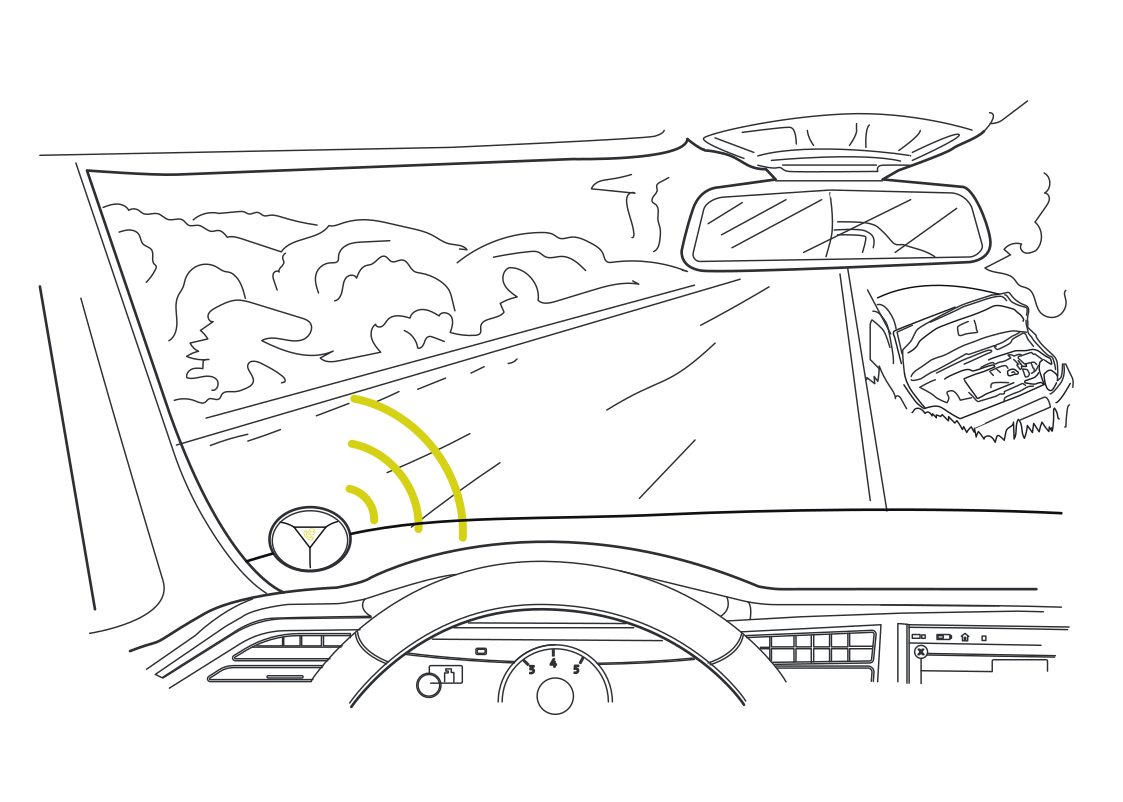 More context around moving vehiclesRead more
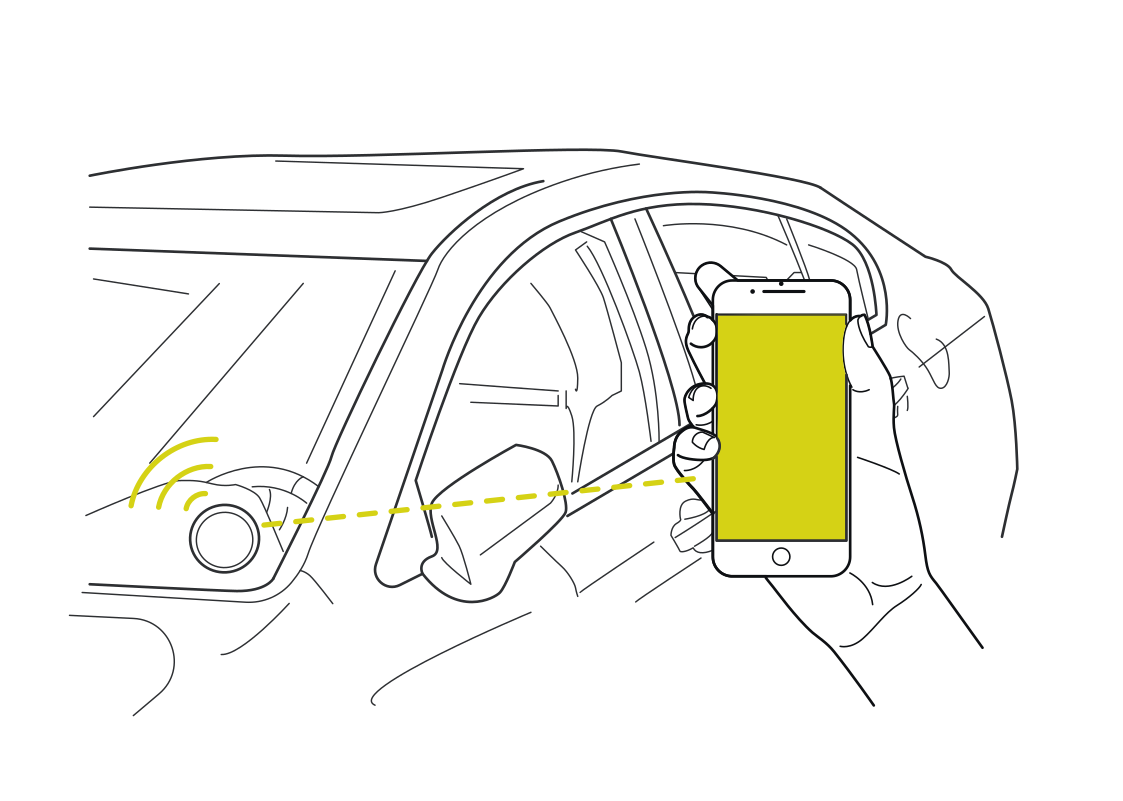 Connect proximity to car accessRead more
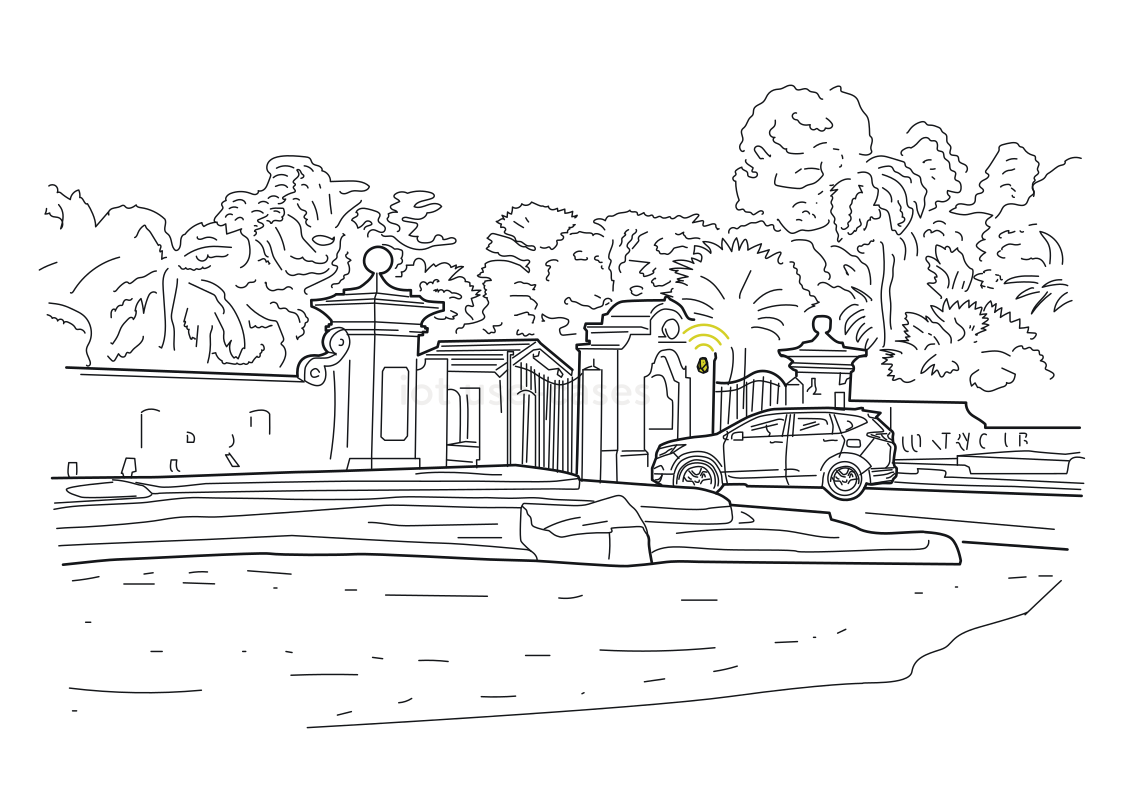 A gate that knows an arrivalRead more
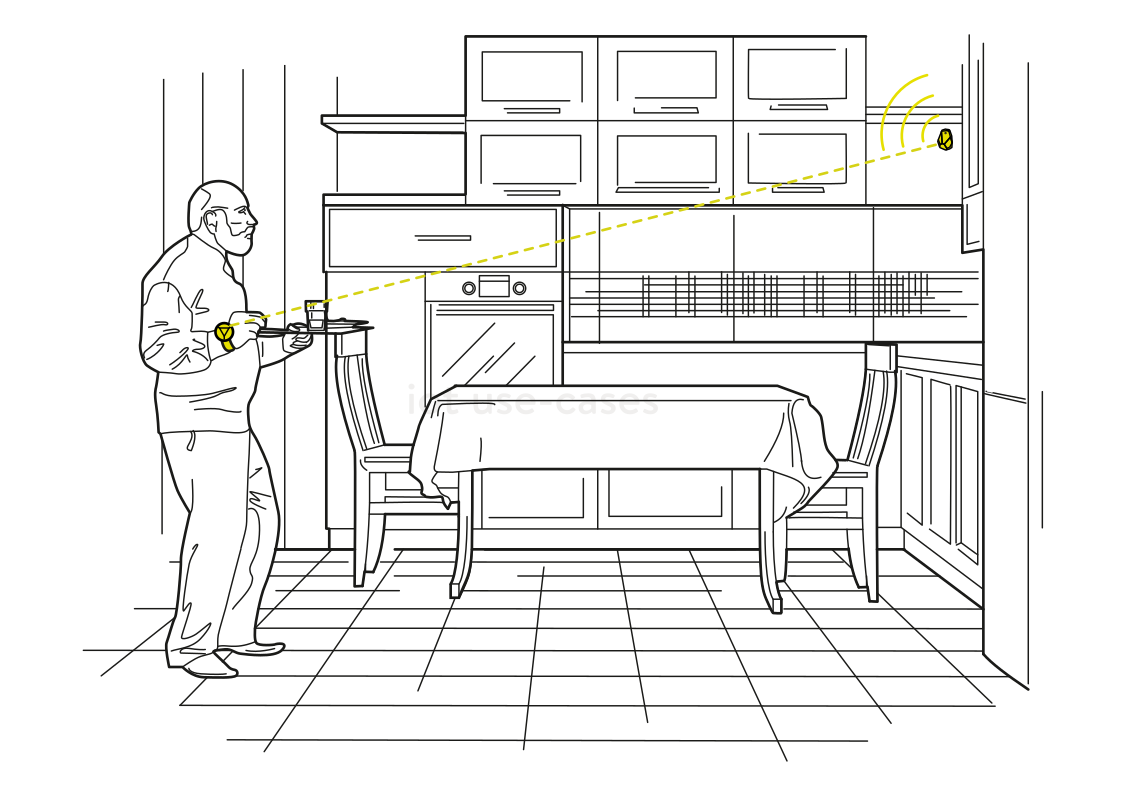 Make kitchen routines responsiveRead more
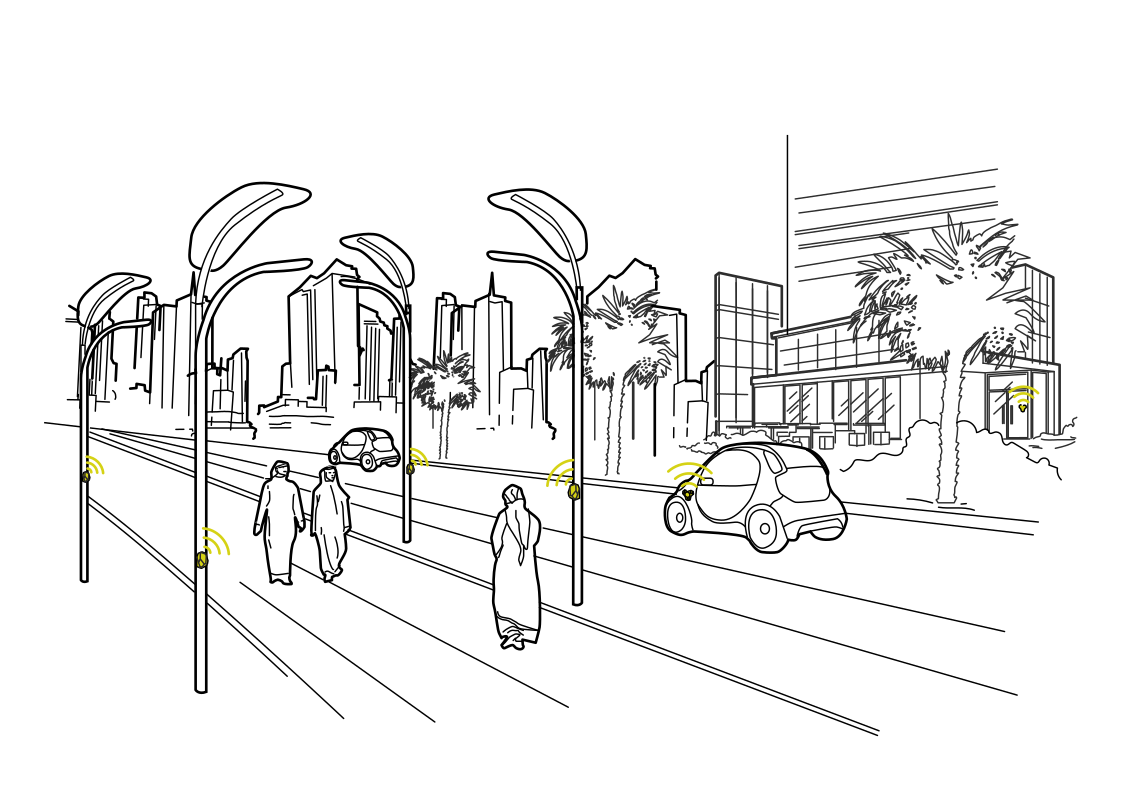 Connect services to street activityRead more
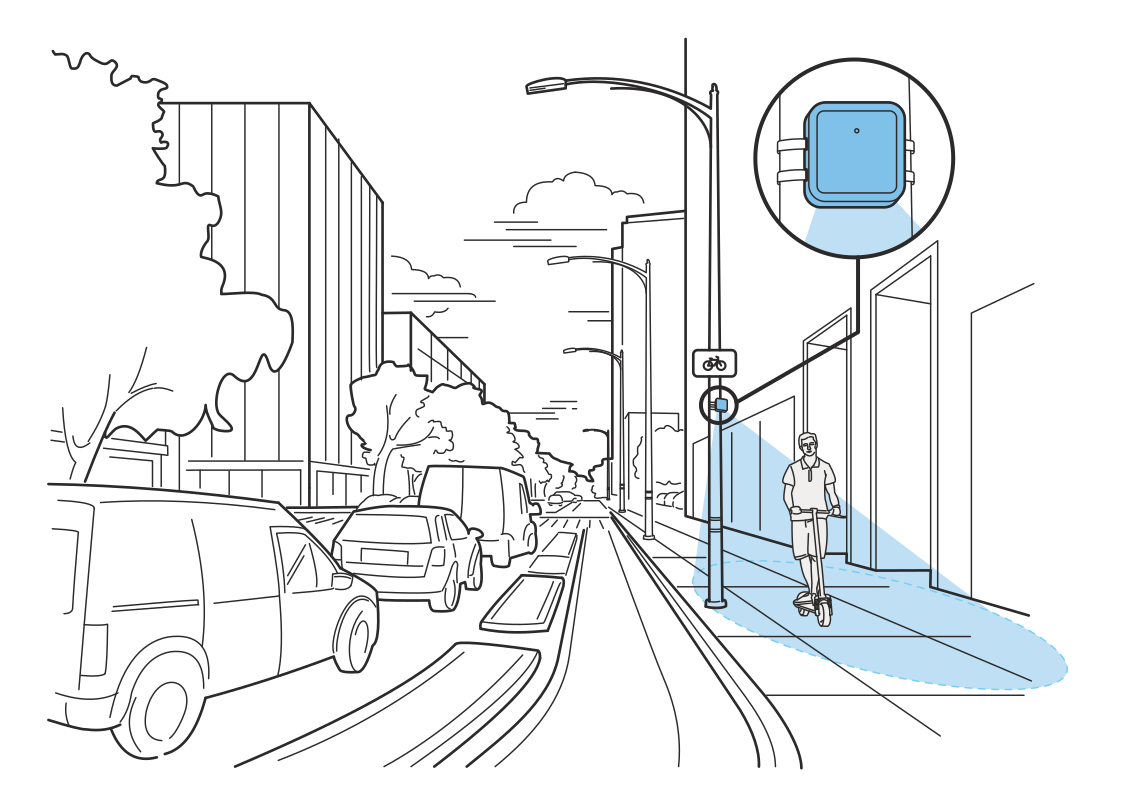 See how shared paths are usedRead more
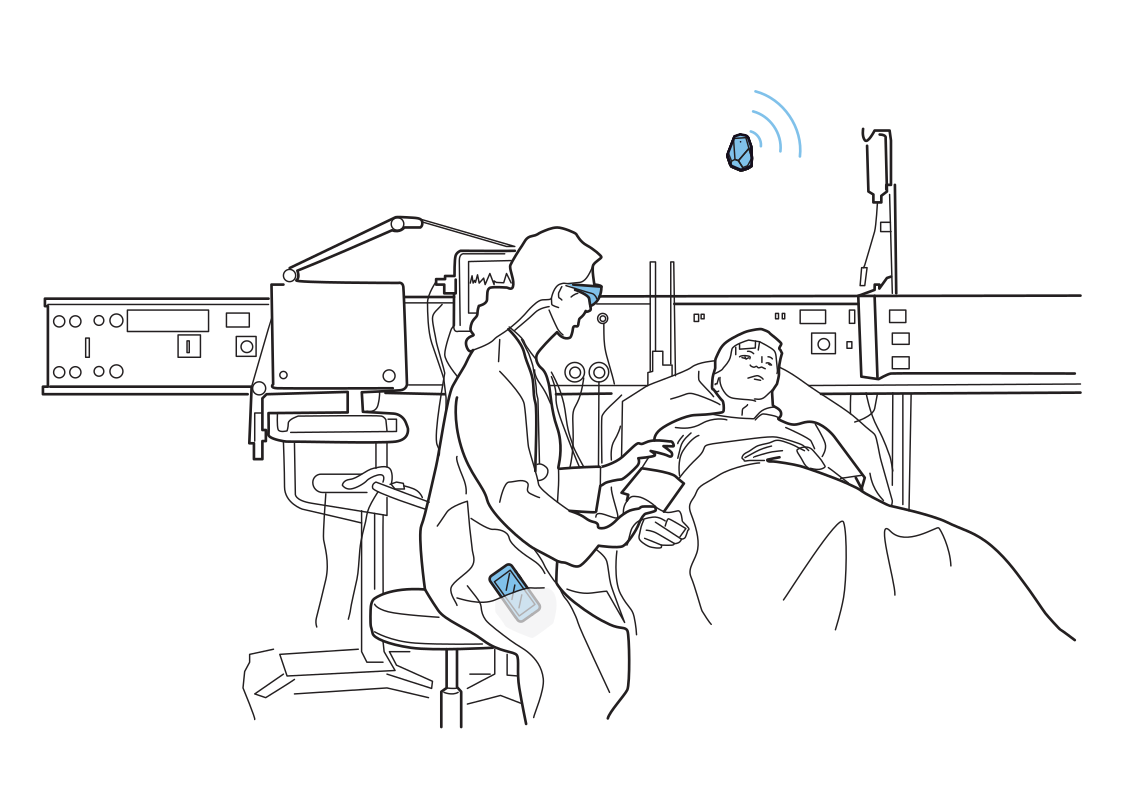 Support at the bedsideRead more
UWB RADAR SENSING
Ultra Wideband (UWB) devices typically have at least two antennas for streamlined communication: one for transmitting (TX) and one for receiving (RX) signals.
A UWB Radar Sensor uses essentially the same hardware as an anchor, but its embedded firmware uses the TX antenna to transmit signals and multiple RX antennas to receive their reflections from nearby objects.
A precise clock measures the time between emitting signals and receiving various reflections. Reflections from things further away will arrive later with a weaker amplitude.
These reflected signals, known as channel impulse responses (CIRs), are then transmitted over USB or Wi-Fi to an MQTT broker, where signal-processing algorithms or inference engines process them.
For more sophisticated sensing, data from multiple radars can be combined and used to feed machine-learning models.
RADAR APPS DEVELOPMENT
Simply use our SDK for Mac or Windows. You can stream radar data to train your models.
from estimote_radar import RadarClient

radar = RadarClient("ws://radar.local")

radar.on_person_entered(
    lambda event: print("Person entered", event.timestamp)
)

radar.on_person_exited(
    lambda event: print("Person exited", event.timestamp)
)

radar.on_position(
    lambda position: print(
        f"x={position.x:.2f}m, y={position.y:.2f}m",
        f"confidence={position.confidence:.0%}",
    )
)

radar.run_forever()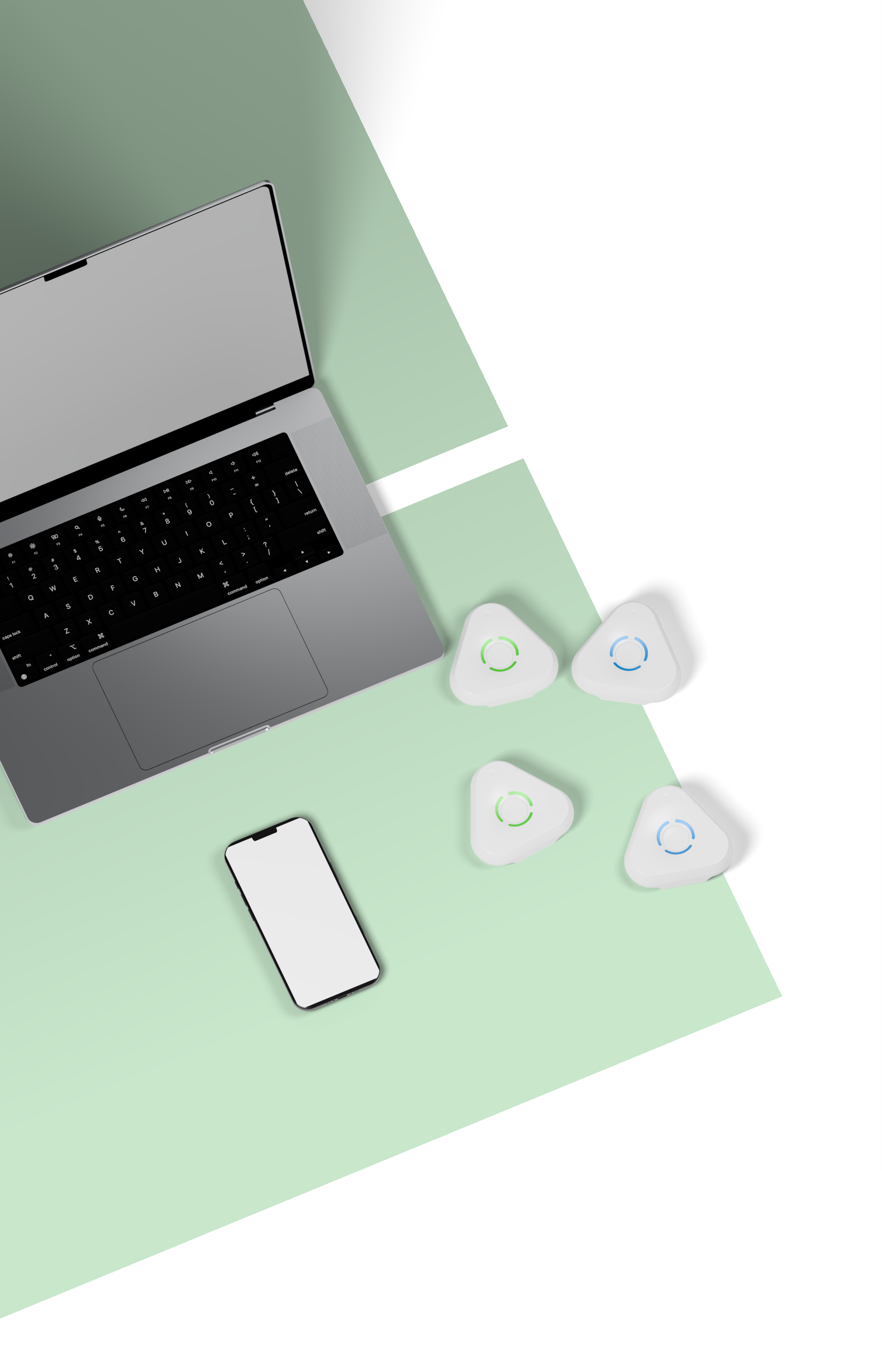
Start by ordering our Dev Kit. It has two radar sensors. You can set up one on the ceiling for positioning and one on the desk for gesture detection.
FREQUENTLY ASKED QUESTIONS
UWB Radar can detect presence, motion, people, vehicles, robots, animals, and moving machine parts. It observes how objects change reflected radio signals, so sensing does not require a person to carry a phone or wearable.
The practical range is about 10 m. Performance depends on room geometry, obstructions, antenna orientation, object reflectivity, and the processing model. Transmit strength stays within regulated radio limits.
Unlike a camera, the sensor does not capture faces, clothing, or visual details. It interprets reflected radio waves as abstract patterns or blobs, making it much more privacy friendly than video-based sensing.
A single ceiling-mounted radar can estimate a person’s position in real time with high precision. Final performance depends on placement, calibration, the environment, and the signal-processing or machine-learning model being used.
Radar can detect multiple people in the same space. Maintaining separate identities becomes harder when their paths cross, so robust multi-person tracking may require more advanced signal processing, machine learning, or multiple sensors.
UWB can resolve changes at centimeter scale, but practical accuracy depends strongly on the algorithm and environment. Research systems can detect subtle motion such as breathing, heartbeat, or small gestures with specialized processing.
The output rate is configurable. Our default setup streams about 50 radar frames per second for responsive real-time applications. Developers can adjust the rate to suit processing, bandwidth, and power requirements.
Radar data can classify actions such as sitting, standing, waving, or waiting. Some examples are included with the development tools, while specialized gestures may require custom data collection, model training, and validation.
For people flow, mount it high with antennas facing the monitored area. For activity around a machine or zone, place it closer—on a desk, wall, ceiling, or directly on the equipment. Keep the target inside its field of view.
The device can stream data over Wi-Fi and MQTT to a configured broker or server. If you do not want to build the backend yourself, SpaceTimeOS can receive, process, visualize, and act on radar signals in real time.
The radar’s USB-C port can stream sensor data directly to a connected computer. This is useful for local experiments, signal analysis, recording datasets, and developing custom inference pipelines.
Any motion that changes the radio reflection can become a detectable signal. The radar can identify moving vehicles, robots, animals, or rotating machine components and distinguish operational states such as on and off.
It uses regulated, consumer-grade UWB radio at low transmit power. People with pacemakers or during pregnancy should follow the same medical and manufacturer guidance that applies to other consumer radio equipment.
No meaningful interference is expected. UWB operates differently from Wi-Fi, Bluetooth, and cellular radios, and its transmit power is tightly regulated. This allows the radar to work alongside common wireless infrastructure and equipment.
For continuous sensing and data streaming, the radar should remain connected to power. Development Kit devices include batteries for short demonstrations and testing, but their runtime is not intended for permanent radar deployments.



Estimote, Inc. was founded in 2012 by Jakub and Lukasz with a bold vision and a passion for creating an operating system for the physical world.
After graduating from Y Combinator in 2013, Estimote launched its first-generation indoor location products based on Bluetooth and iBeacon. Their iconic design captured developers’ imaginations, opening the door to experiments with micro-location and contextual computing.
Estimote went on to deploy millions of sensors and tags worldwide, powering the largest commercial deployment of location technology at the time. Years of working across real spaces and operations gave the team firsthand knowledge that shaped every generation to follow, including LTE Wearables and more precise UWB positioning.
In 2022, Estimote introduced the first version of SpaceTimeOS, bringing its original vision to life: making the physical world software-defined and programmable. Developers can build apps and automations directly on physical spaces to improve safety and productivity and deliver delightful experiences that feel like magic.
Today, Estimote is extending that vision with a new release of SpaceTimeOS and is first to offer Downlink TDoA Anchors for precise, privacy-friendly indoor positioning, alongside UWB Radar for sensing presence and movement.
With Estimote, you get the latest tech backed by more than a decade of practical experience and a clear vision for what comes next.
